
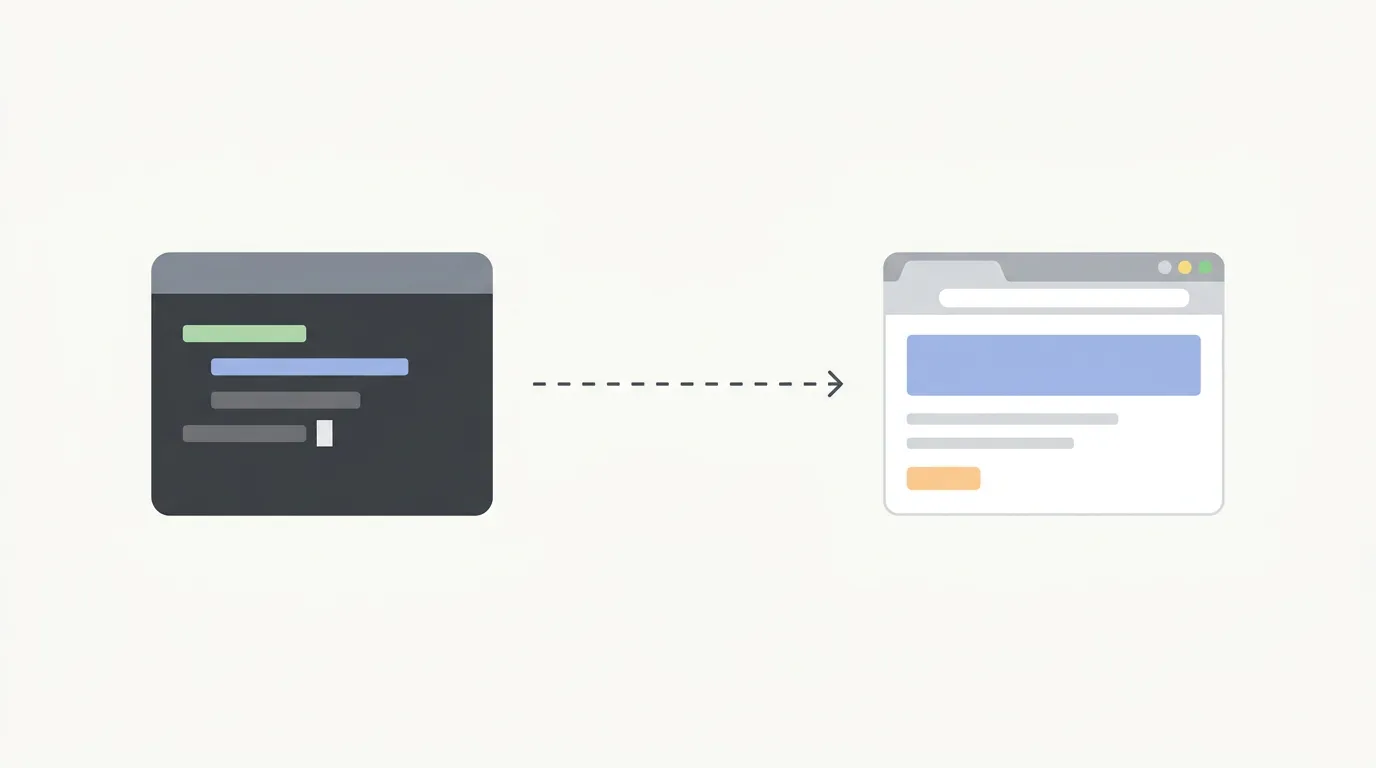
AI coding agents can write code. That part is solved. The part that was missing until recently: can they check their own work in a real browser?
With Claude Code (or Claude Desktop) and the Claude for Chrome extension, the answer is yes. We have been using this setup daily for the past few weeks, and it has changed how we build. Claude writes code, opens localhost:3000 in your browser, clicks through the UI, reads console errors, and fixes what is broken. All in the same session, without you touching the browser.
It is the tightest local dev feedback loop we have seen from any AI coding tool. But it comes with real tradeoffs - cost, scope, and stability - that are worth understanding before you adopt it.
What the setup looks like
The installation takes about two minutes:
- Install the Claude in Chrome extension from the Chrome Web Store
- Connect it to Claude Code or Claude Desktop:
- Claude Code (CLI): run
claude --chromeor type/chromeinside an existing session - Claude Desktop: the extension connects automatically when both are running
- Claude Code (CLI): run
- That is it. Claude can now see and interact with your browser.
Both Claude Code and Claude Desktop work with the extension. We mostly use Claude Code because the terminal-to-browser loop is faster for development - write code, test in browser, fix, repeat. But if you prefer the Desktop app for general tasks or conversation-heavy workflows, the Chrome extension works there too. Same capabilities, same browser access.
The key detail that makes this work: the extension shares your actual Chrome session. Your cookies, your logins, your local dev server - Claude sees exactly what you see. There is no separate browser profile, no headless instance, no credential management.
You approve new domains through a whitelist the first time Claude tries to access them. After that, it can navigate freely within approved domains.
The closed loop that makes this useful
The workflow goes like this. You ask Claude to build a feature. It writes the code. Then - and this is the part that matters - it opens the page in your browser and actually tests what it just built.
If the form validation is broken, Claude sees it. If there is a console error after submit, Claude reads it. If the layout is off, Claude checks the rendered page. Then it goes back to the terminal, fixes the code, and retests. You sit back and watch the iteration happen.
A concrete example from our own workflow: we asked Claude to add a new filter to a dashboard table. It wrote the component, opened the page, tried the filter, noticed the query params were not updating the URL correctly, fixed the router logic, and confirmed the filter worked with a page reload. Three iterations, zero context switches on our end.
This works especially well when you are already logged into services that are annoying to authenticate programmatically. Stripe dashboard, Firebase console, OAuth-protected staging environments - Claude just uses your existing sessions. No test credentials, no auth scripting, no token refresh headaches.
The alternatives we tried first
Before settling on the Claude Chrome extension, we tried two other approaches. Neither stuck.
Playwright MCP
On paper, Playwright MCP is the more powerful tool. 33+ browser automation tools. Cross-browser support for Chromium, Firefox, and WebKit. Accessibility tree snapshots for token-efficient DOM interaction.
In practice, it kept falling apart.
The browser session would disconnect after extended use, throwing "Session not found" errors mid-workflow. Initialization would sometimes fail completely on first install, requiring a full restart of Claude Code. When a browser profile was already in use, browser_navigate would enter a retry loop and spawn five or six about:blank tabs before giving up.
These are not obscure edge cases. They are documented issues (see anthropics/claude-code#6224, microsoft/playwright-mcp#1307, microsoft/playwright-mcp#1311). The stability problems span from mid-2025 through early 2026.
The bigger issue: Playwright MCP spawns a fresh Chrome instance. No logins, no extensions, no cookies. You are starting from scratch every time. For local dev testing where you need your authenticated session, that is a dealbreaker on its own - even before the crashes.
Playwriter
Playwriter is an interesting open-source alternative that tries to solve the same core problem as the Claude Chrome extension: connect an AI agent to your actual running Chrome instead of spawning a new one. It works as a Chrome extension plus CLI/MCP combo, gives you the full Playwright API, and keeps your logins and extensions intact.
On the surface, it looks like it should be the better tool. It works with any MCP client (not just Claude), supports WSL, uses accessibility snapshots instead of screenshots (5-20KB vs 100KB+), and gives you raw CDP access for debugging and live code editing. The comparison table on their repo makes the Claude extension look limited by contrast.
But we kept running into friction. The setup is more involved - install the extension, install the CLI globally, manage sessions manually with playwriter session new, click the extension icon on each tab you want to control. The "one execute tool" approach means your agent needs to write raw Playwright snippets for every interaction, which works fine when things go well but makes debugging harder when they don't. And if all pages start returning about:blank (a known issue listed in their repo), you need to restart Chrome entirely.
The Claude Chrome extension is simpler and more opinionated. It has fewer capabilities - no raw CDP, no network interception, no breakpoints. But it connects instantly, stays connected, and the agent knows how to use it without writing Playwright code. For the "build something, check it in the browser, fix it" loop, that simplicity wins.
If you need Playwriter's power features - full Playwright API, CDP debugging, network interception, multi-agent support - it is a solid tool. But for day-to-day local dev testing where you just want Claude to verify its work in the browser, the native Chrome extension has less friction.
The cost reality
This is the part that catches people off guard.
Claude Code with browser interaction is token-hungry. Every page navigation, every DOM snapshot, every console read - it all counts against your context window. The Chrome extension is relatively efficient at around 7.7% of context per interaction (lighter than Chrome DevTools MCP at 9%), but over a long session the tokens add up.
If you are using Claude Code through the API, browser-heavy workflows get expensive fast. One heavy user reported burning through the equivalent of $5,600 in API tokens in a single month. Over eight months, another tracked $15,000+ in API-equivalent usage.
The fix is straightforward: use a Claude subscription instead of API credits. The Max 20x plan at $200/month gives you 20 times the base token capacity. That same $15,000 worth of API usage? Covered for $800 on a subscription. The math is not even close.
If you are doing serious local development with Claude Code and the Chrome extension, the $200/month plan is essentially a requirement. The $20 Pro plan will run out too quickly for browser-heavy work. The $100 Max 5x plan works if you are disciplined. The $200 Max 20x plan means you stop thinking about it.
Bottom line: this workflow is viable and affordable on a subscription. On API pricing, it is a money pit.
Where this setup falls short
The Chrome extension is great for local dev testing. It is not great for everything else.
No CI/CD. The extension requires a visible Chrome window. There is no headless mode. You cannot run it in a GitHub Actions pipeline or a Docker container. It is a developer workstation tool, full stop.
Chrome and Edge only. No Firefox, no Safari, no WebKit. If cross-browser testing matters (and it should), you need another solution.
Single developer scope. Each developer needs their own Claude subscription, their own Chrome extension setup, and their own local browser session. There is no shared view, no team dashboard, no centralized test results.
No persistent test plans. Claude tests what you ask it to test, right now. It does not remember that last week you had a checkout flow that needed regression testing. There is no library of tests that run automatically when you push code.
Manual domain approval. Every new domain requires explicit approval through the whitelist. Minor friction, but it adds up when you are jumping between services.
The pattern is clear: this setup excels at "did the thing I just built actually work?" and falls short at everything systematic, repeatable, or team-oriented.
Where Test-Lab fits in
We built Test-Lab, so take this with the appropriate grain of salt. But the positioning is genuinely complementary, not competitive.
Claude Code + Chrome is the best tool for local dev testing right now. You are building, you want fast feedback, you want Claude to verify its own work in the browser. Perfect.
Test-Lab is what happens after local dev. When you need:
- CI/CD integration - tests that run automatically on every push, in a headless environment, without a developer sitting at their laptop
- Plain English test plans - "User signs up, adds item to cart, completes checkout" as a persistent, reusable test that runs every deploy
- Full regression coverage - not just the feature you changed, but the 30 other flows that might have broken
- Cross-environment testing - staging, production, preview deployments, not just localhost
- Team visibility - screenshots, step-by-step logs, pass/fail results that the whole team can see
- No per-developer subscription - one Test-Lab account covers your testing pipeline regardless of team size
The mental model is simple. Claude + Chrome is your local smoke test. Test-Lab is your safety net.
Use Claude Code to build and verify locally. Use Test-Lab to make sure everything still works when it hits staging and production. The two workflows cover different parts of the development lifecycle, and using both means fewer surprises at every stage.
Build locally with confidence, test in production with certainty. Try Test-Lab - plain English tests, real browser execution, results your whole team can see.