
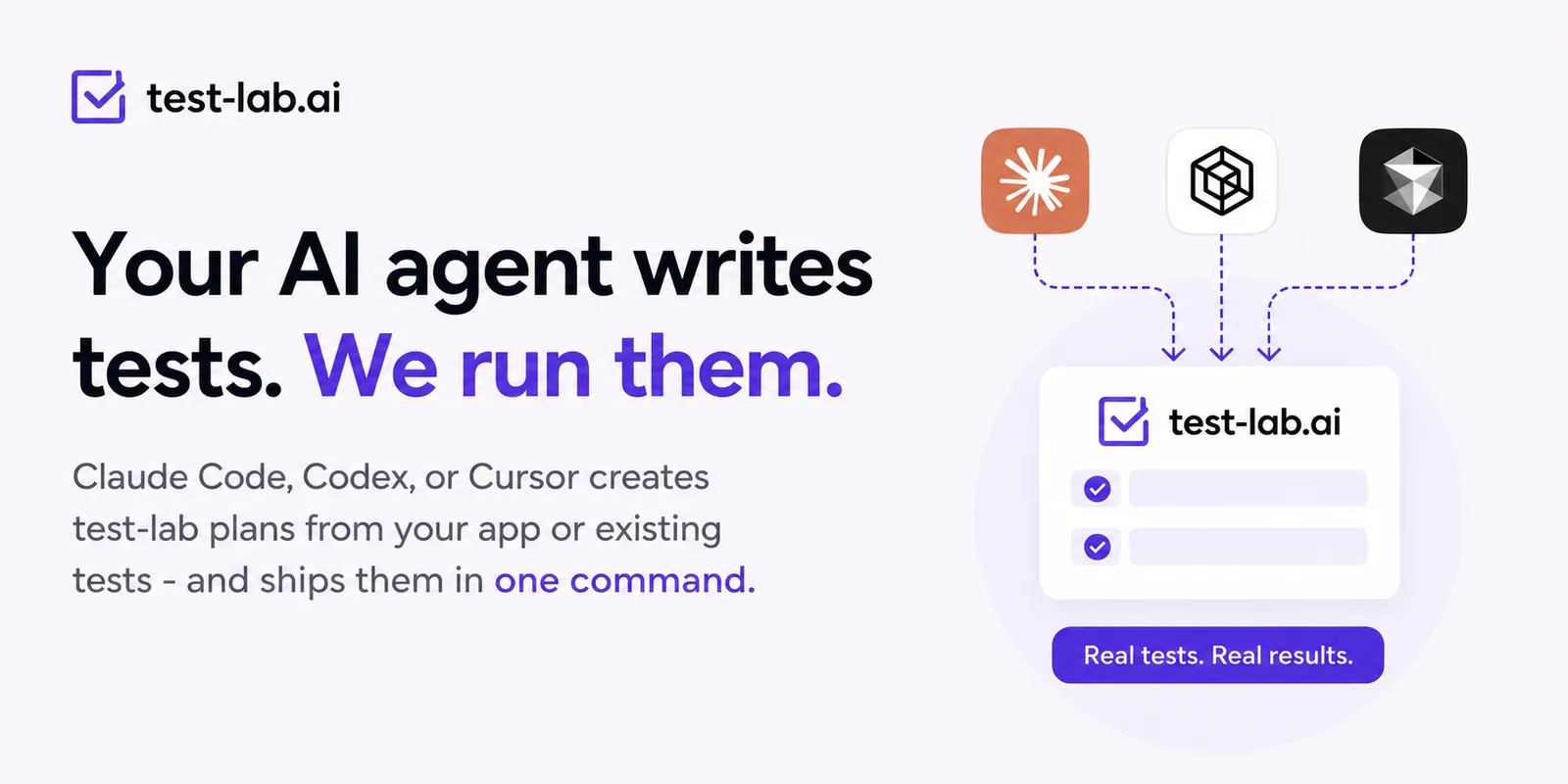
Your AI coding agent already reads your codebase and writes your features. There is no good reason it should not write your tests too, and put them straight into test-lab.
That is what the new tooling does. Install a small skill, and Claude Code, Codex, or Cursor can turn a flow you describe into a real test-lab plan: an explicit URL, plain-English steps, and checks that match the actual text on your page. Then it creates the plan in your account. No dashboard, no copy-paste.
Two ways your agent helps
It writes new tests while you build. You just shipped a password-reset page. Tell your agent "write a test-lab test for the new reset flow." It reads the actual component in your repo, so the checks reference the real on-screen text instead of guesses, then creates the plan. Testing becomes something that happens as you build, not a chore you batch up for later.
It imports the tests you already have. Point it at a folder of Playwright specs, a pile of Cucumber features, or an old QA doc, and it converts each one into a test-lab plan. A week of copy-paste becomes a single command.
What to actually say
You don't write any JSON. With the skill installed, you invoke it and describe the test in plain language. In Claude Code that means /test-lab-plan; in Codex or Cursor, just mention test-lab and the skill triggers on its own.
Create a test for a feature you just built:
/test-lab-plan write a test for the signup flow at https://app.example.com/signup, then create it in my accountImport tests you already have:
/test-lab-plan convert the Playwright specs in ./tests/e2e into test-lab plans and import themThe agent reads your code (or your existing tests), drafts grounded plans, reuses the project, credentials, and fixtures already in your account, and creates them.
How it works
Give your agent the skill once:
npm i -g @test-lab-ai/cli
testlab skills install
Now the agent knows how to write a solid test-lab plan and how to ship it. Under the hood it uses the testlab CLI, which you can also drive by hand:
testlab import ./tests --dry-run   # see what will be created
testlab import ./tests             # create it
A plan is plain English, so what the agent produces stays readable:
{
  "name": "Checkout with a saved card",
  "prompt": "Go to https://shop.example.com/cart and complete checkout with the saved Visa. Confirm an order-confirmation page with an order number appears.",
  "labels": ["checkout"]
}
Logins and data come along for the ride
Real tests need a login and some data, and the agent handles both in the same import. Secrets go into encrypted credentials and read as {{credentials.password}}. Values that should be fresh on every run, like a unique signup email, come from a data fixture and read as {{data.newUser.email}}:
{
  "credentials": [ { "key": "password", "value": "..." } ],
  "fixtures": [
    { "key": "newUser", "fields": [ { "key": "email", "mode": "dynamic", "generator": "internet.email" } ] }
  ],
  "plans": [
    { "name": "Sign up", "prompt": "Register at https://app.example.com/signup with {{data.newUser.email}} and {{credentials.password}}. Confirm the welcome screen." }
  ]
}
Credentials are stored encrypted and never returned. The fixture rolls a new email on every run, so the test never collides with itself.
Try it
npm i -g @test-lab-ai/cli
testlab login
testlab skills install
Then ask your agent to write a test for whatever you shipped this week. The skill is open source in the Test-Lab-ai/skills repo. Full details are in the agent skill docs and the CLI docs. If your existing tests are in a format that does not convert cleanly, tell us, and we will make it convert.