
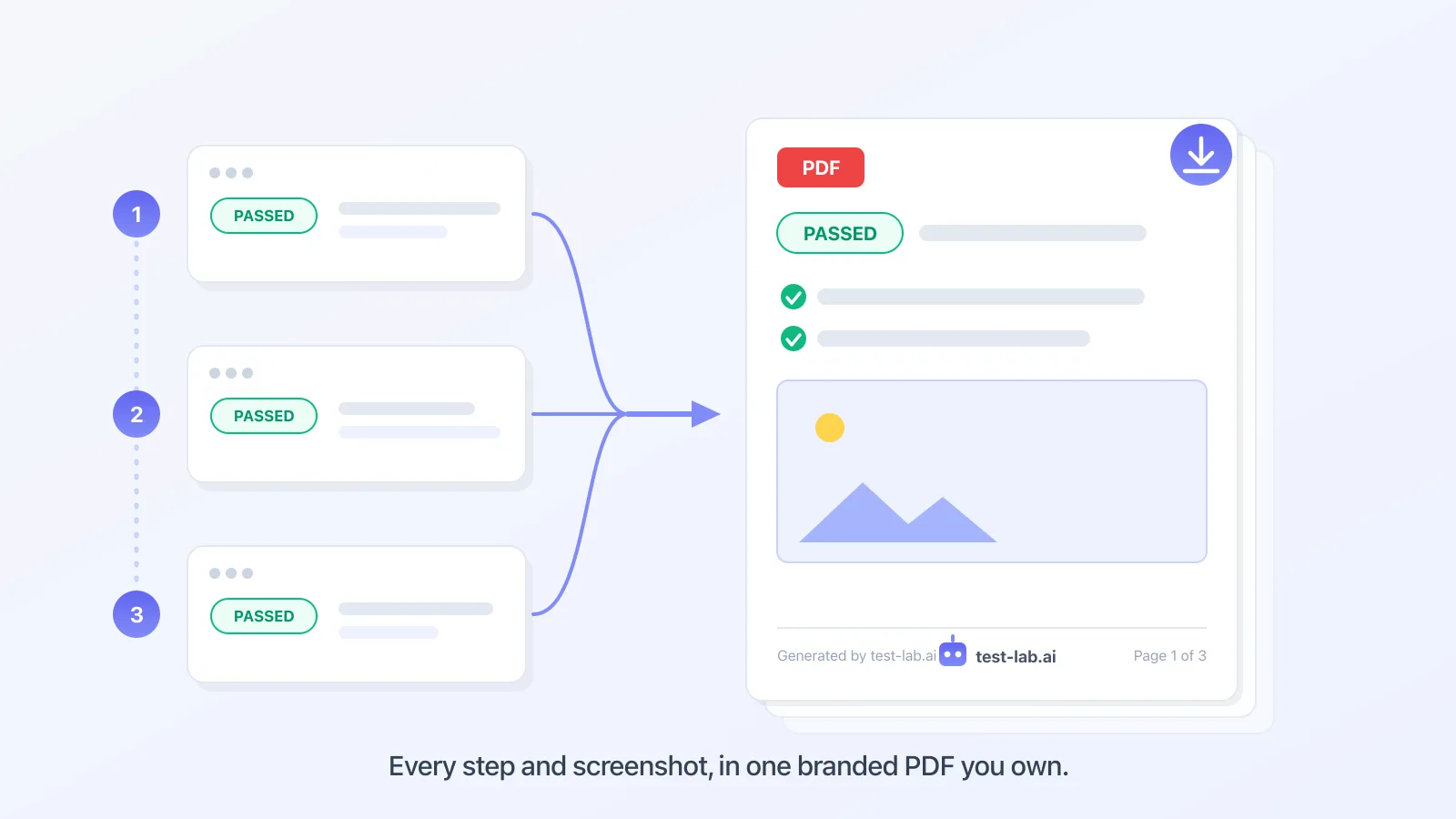
You can now download any run report as a file: a PDF, a self-contained HTML page, raw JSON, or JUnit XML. Open a finished run, open the Export menu, pick a format.
A link is a link. Sometimes you need a file.
test-lab could already share a run with a link: open a report, make a share link, send it. That covers the case where someone wants to click in and look around.
But a link lives online. You cannot staple it to a Jira ticket, file it next to a release sign-off, hand it to a client as the thing they paid for, or feed it to your CI. And plenty of the people who need to see a QA result, a manager, an auditor, a customer, just want a document they can save, not another login.
A file is that thing. It is self-contained, it opens anywhere, and it reads the same the day you make it and a year later.
Four formats, one Export menu
- PDF is the shareable document: the whole report in one file. The pass-or-fail result, every step with what was expected and what actually happened, the screenshots embedded inline, performance metrics, any issues found, and a branded footer with page numbers. Email it, attach it to a ticket, keep it for the audit.
- HTML is the same report as a single self-contained web page. The screenshots and styling are baked in, so it opens in any browser, with no test-lab account and nothing left to load.
- JSON is the structured result: every step, status, metric, and issue as data, ready for your own dashboards, scripts, or wherever you take it next.
- JUnit XML is the format your CI already understands. Drop it into GitHub Actions, GitLab, Jenkins, or CircleCI and the run shows up in the native test-report view, next to your unit tests.
PDF and HTML mirror the report you see on screen, screenshots and all. JSON and JUnit carry the structured outcome for machines.
A whole pipeline, one file
Multi-step pipelines export too. A pipeline that signs up in step one, upgrades the plan in step two, and cancels in step three comes out as a single document, one page per step in order for PDF and HTML, so you hand over one file for the whole journey instead of three separate links.
Where it helps
- Release sign-off: attach the PDF to the ticket or the release notes so the green check is on the record, not in someone's browser history.
- Client work: if you run QA for someone else, the report is the deliverable. Now it is a file with your run and their result, ready to send.
- Audits and compliance: a dated, self-contained document with the screenshots in it is what an auditor actually wants, and it does not rot when the run ages out.
- CI: JUnit XML puts a test-lab run next to your unit tests in the same dashboard, so a failed browser journey shows up where your team already looks.
Try it
Open any finished run from the Runs page, find the Export Report card in the sidebar (or the Export menu in the top bar), and pick a format. PDF and HTML are built right in your browser, so the run data goes straight into the file without a round trip. It works on single runs and on pipelines, on every account, today.
Your results were always in the report. Now they fit in an attachment, or a build artifact.