
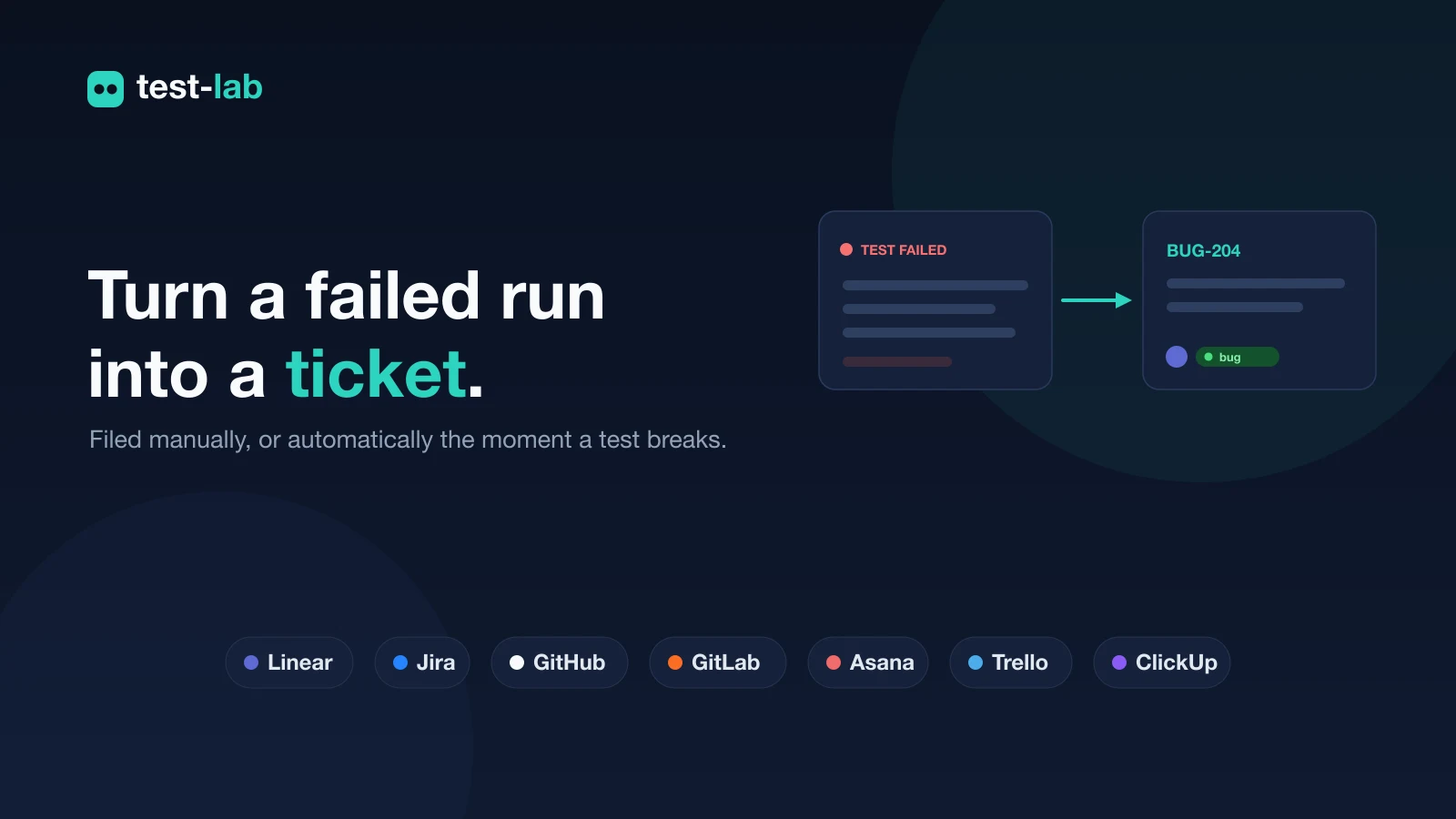
A test fails, and the next thing that happens is a person copies the result into a ticket. The title, what broke, the steps to reproduce, a link back to the run. Then they assign it, label it, and move on. test-lab now does that part for you.
Connect your issue tracker once, and you can file any run as a ticket straight from its report, or have test-lab open one on its own the moment a test fails.
A failed run is already a bug report
Every finished run has the things a ticket needs: what was supposed to happen, what actually happened, the step where it broke, and a stable link you can send to anyone. Filing one should not mean retyping all of it.
Open a run, find the Issue tracking card, and click Create. test-lab builds the ticket from the report and hands you back the issue key and a link. The card then remembers what was filed, so the next person who opens that run sees the existing ticket instead of opening a second one.
File it the moment a test fails
Manual filing is for the runs you are looking at. The runs you are not looking at are the ones you most want to hear about.
Turn on auto-file for a project and a failing run opens a ticket by itself, with no one watching. The risk with anything automatic is noise, so there is a guard built in: test-lab keeps one open ticket per test, per environment, per device. A check that fails ten times in a row is one ticket, not ten. When it passes again the slate clears, so the next time it breaks you get a fresh ticket instead of a comment buried on a stale one.
Seven tools, one way to connect
Most teams already have a place where bugs live. test-lab files into the seven most common ones:
- Linear, into a team
- Jira, into a project (Jira Cloud)
- GitHub Issues, into a repository
- GitLab Issues, into a project
- Asana, into a project
- Trello, into a list
- ClickUp, into a list
Each one connects with an API key or token you paste once. test-lab checks it on the spot, shows you the account it belongs to, and lists the destinations you can file into. No OAuth setup, no admin install.
Route each project to where it belongs
Connect a tool once at the account level, then send each project where it should go. Your marketing site can file into one Linear team while your checkout flow files into a Jira project, all from the same connection.
For each destination you can set the defaults that save the next round of clicks: the assignee, the labels, and, for Jira, the issue type. Auto-file is decided per project too, so the suites you trust to be loud can file on their own while the rest stay manual.
What lands in the ticket
The ticket reads like a report, not a stack trace. It carries the test name, a short summary of what failed, the acceptance criteria with expected against actual, and a link straight back to the full test-lab run with its screenshots and trace. Whoever picks it up has the whole story and a one-click way back to the source.
Try it
Open Settings, then Integrations. Paste a key for the tool your team already uses, choose where issues should go, and decide which projects file on their own. The next failing run can land in your tracker before anyone has opened the report.
Each tool has a short setup page in the Integrations docs: how to create the key or token, what to paste, and where issues land.
The result was always in the run. Now it can be in your backlog too.