
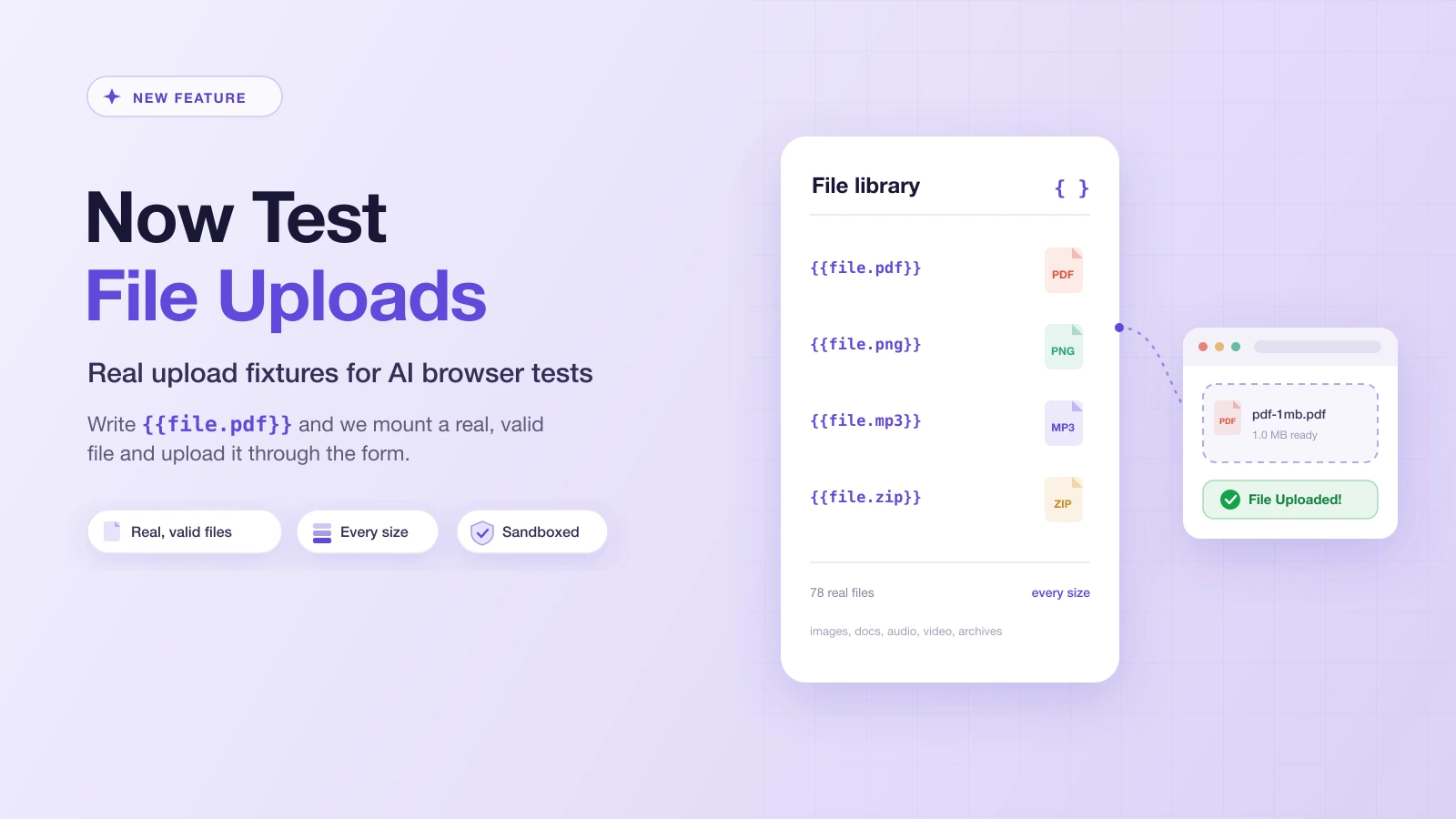
You can now test file uploads on Test-Lab.
It sounds like something that always worked, but file pickers were a blind spot. An AI agent driving a browser can click, type, scroll, and assert, but when a test reached a file input there was nothing to hand it: no file on the machine, no way to point at one. So the flows that hinge on a real file, avatar pickers, document attachments, bulk-import screens, CSV uploads, were the one thing a browser test could not cover.
Now it can. Test-Lab ships a built-in library of real, valid files. Reference one with {{file.pdf}} in any test plan and the platform uploads the actual file through the picker. Nothing to install, nothing to commit.
What we shipped
A {{file.X}} reference you can drop into any plan prompt, cookie, header, or saved script. Write what you want uploaded:
Go to the profile page, click Change avatar, and upload {{file.png}}.
Then attach {{file.pdf}} to the support ticket and submit.
At run time the reference resolves to a real file on the test machine, and Playwright sends it through the file input. The run report shows which file each reference resolved to ({{file.pdf}} becomes pdf-1mb.pdf), so you can confirm exactly what went up.
Real files, not padded fakes
This is the part that matters. Most "test file" generators produce fakes: the right extension and byte count, but garbage inside. They hold up until your app actually reads the file, which is the whole point of an upload feature.
Real upload flows check the magic bytes (the signature at the start of a file that says "this really is a PNG"), parse the document, decode the image to build a thumbnail, or probe the video for its duration. A padded dummy fails every one of those, and your test fails for a reason that has nothing to do with your app.
Every file in the library is the genuine article: a PNG that decodes, a PDF that opens, an MP3 that plays, a ZIP that extracts, a spreadsheet that Excel reads. Each one is generated, validated, and served read-only to your tests.
Every format and size you actually get handed
The library covers the formats real apps accept, each across a range of sizes:
| Category | Formats | Sizes |
|---|---|---|
| Images | png, jpg, jpeg, gif, webp, heic | 50KB to 25MB |
| Documents | pdf, docx, xlsx | 100KB to 25MB |
| Audio | mp3, wav | 1MB to 25MB |
| Video | mp4, webm | 5MB to 100MB |
| Archives | zip | 1MB to 50MB |
| Text | txt, csv, json | 1MB to 10MB |
{{file.pdf}} gives you the default 1MB size. Need a specific one? Add the tier: {{file.pdf.25mb}} for the size-limit test, {{file.mp4.100mb}} to prove the big-upload path holds. The HEIC fixture earns its keep, because an iPhone's default photo is HEIC, and that is exactly what your real users will hand your upload form.
It works in AI runs, scripts, the CLI, and MCP
You do not have to write a script to use it. In an AI run, the agent is given a catalog of the available files, so when your prompt says "upload a profile picture" it picks an image fixture and emits the reference itself. In a saved Playwright script, {{file.png}} resolves the same way right before setInputFiles runs. Kick a run off from the CLI or an AI agent over MCP and nothing changes, because the reference is resolved on the test machine no matter where the run was triggered.
To make the catalog easy to browse, the Test plans page has a Files tab listing every fixture with its token and available sizes, and the Insert value picker under any prompt drops the reference in at your cursor.
Edge cases, on purpose
Half of upload testing is making sure the bad files get rejected. The library bundles a set of deliberately-broken fixtures for exactly that:
{{file.empty_pdf}}is a zero-byte file{{file.wrong_magic_png}}is a.pngwhose bytes are not actually a PNG{{file.mismatch_jpg}}is real PNG bytes wearing a.jpgextension{{file.double_ext}}is the classicinvoice.pdf.exe{{file.script_svg}}is an SVG with an embedded script, for upload-XSS handling
Point a test at one and assert your app shows the right error instead of swallowing it. These are reference-only: the AI never picks them on its own, so a plain "upload a document" prompt always gets a clean file.
A worked example
Say you are testing a help-desk app where a user opens a ticket and attaches a screenshot and a log file:
Open a new support ticket titled "Checkout fails on mobile".
Attach {{file.png}} as the screenshot and {{file.txt}} as the log,
then submit. Verify the ticket page lists two attachments.
One plan, no committed binaries, and it runs the same against prod, staging, and a PR preview. Want to prove the 20MB cap holds? Add a plan that uploads {{file.pdf.25mb}} and asserts the "file too large" error. Want to prove a .exe is refused? Point one at {{file.double_ext}}.
Try it
File fixtures are live on every account today. From any test plan, click Insert value and open the Files group, or just type {{file.pdf}} into your prompt. The test data docs cover the full reference: the token grammar, every format and size, and the edge fixtures.
File uploads were the one browser flow an AI test could not cover. Now they are one token away.