
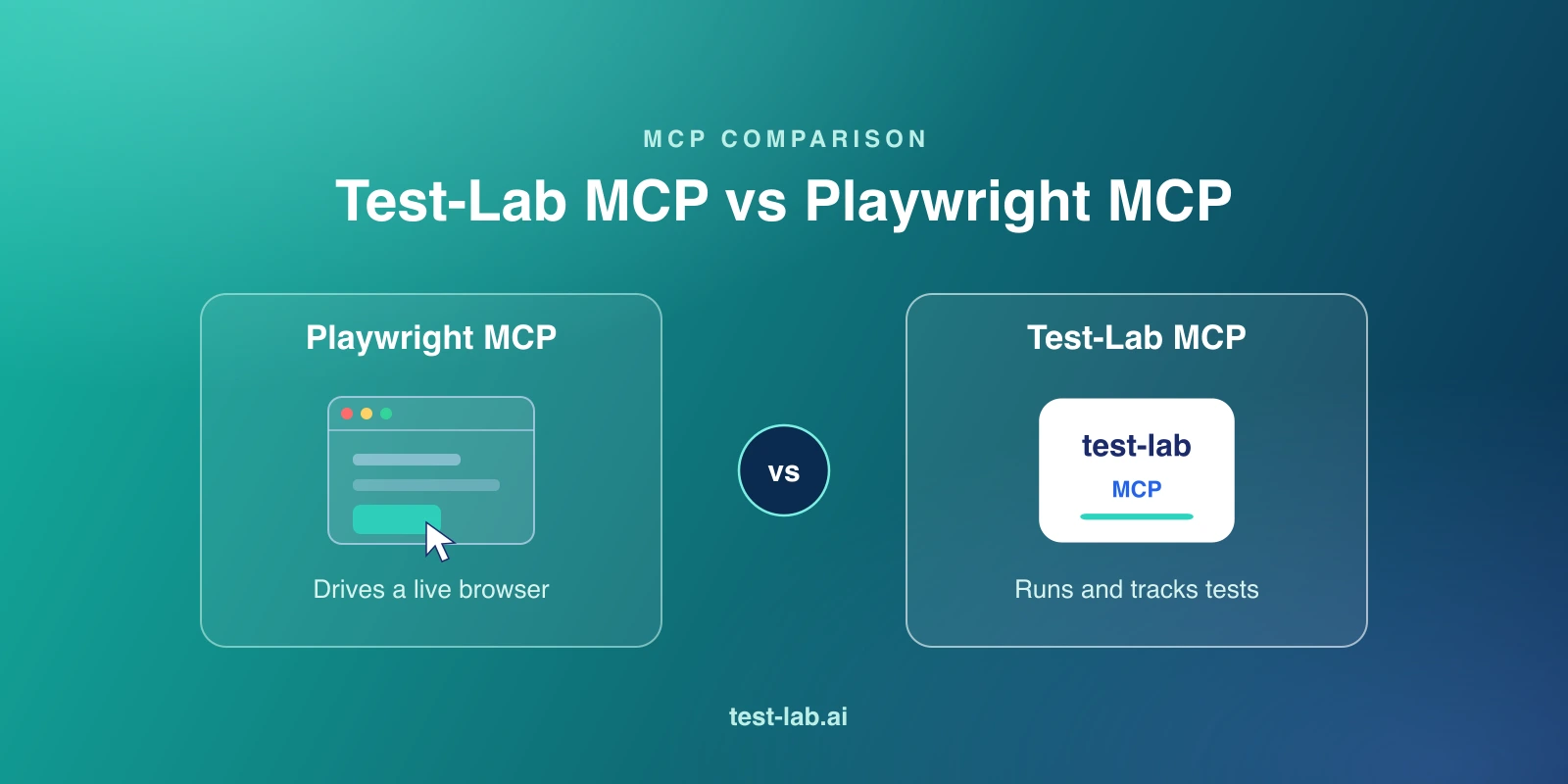
People search "test-lab mcp vs playwright mcp" expecting a head-to-head, the way you would compare two browser-automation servers. That framing is wrong, and it matters. These two MCP servers do not compete. They sit at different layers of the stack, and the most useful thing this comparison can do is make that layer distinction obvious so you stop trying to choose between them.
Here is the one-line version. Playwright MCP gives an agent hands: it controls a live browser, one action at a time. Test-Lab MCP gives an agent a test lab: it authors test plans, runs them, manages credentials and data, and reads back structured pass/fail results. One is the browser. The other is the system that turns a verified flow into a durable, monitored test. An agent can hold both at once, and the good ones do.
What each one does
Playwright MCP: control the browser
@playwright/mcp is Microsoft's official MCP server. Run it with one command:
npx @playwright/mcp@latestIt turns a real browser into tools the agent calls live: browser_navigate, browser_snapshot (the accessibility tree, not pixels), browser_click, browser_type, and a few dozen more. The agent does not write a .spec.ts and run it. It drives the browser step by step, reading the page after each action and deciding what to do next.
This is genuinely good at what it does. For exploring a UI the agent has never seen, self-healing when a page changes, or interactive debugging where you want it to poke around live, Playwright MCP is the cleanest tool available. Its known weakness is long deterministic sessions: every snapshot lands in the model's context window, so a 50-step run can overflow context and the agent starts losing track. Microsoft is also explicit that Playwright MCP is not a security boundary and should be sandboxed.
Test-Lab MCP: author, run, and track tests
@test-lab-ai/mcp is Test-Lab's first-party MCP server. Run it with:
npx -y @test-lab-ai/mcpIt does not drive a browser. It operates a whole layer up. The agent creates test plans in plain English, triggers runs, manages credentials and data fixtures, uploads and reads Playwright scripts, imports bundles, and reads structured results. It exposes 16 tools, including create_test_plan, run_tests, list and create tools for credentials and data fixtures, get_script and upload_script, import_bundle, and an examples tool. Auth matches the Test-Lab CLI: set TESTLAB_API_KEY in the environment or run testlab login.
The important part is what sits behind run_tests. When the agent triggers a run, Test-Lab owns the reliability and evidence layer: stable execution, traces, screenshots, video, retries, scheduling, environments, and a dashboard to see what passed and what broke. On pay-as-you-go, run_tests spends credits. The agent does not babysit a browser; it hands off a job and reads a result.
The comparison table
| Playwright MCP | Test-Lab MCP | |
|---|---|---|
| What it controls | A live browser | Test plans, runs, results |
| Unit of work | One browser action (click, type) | One test plan or run |
| Typical tools | browser_navigate, browser_snapshot, browser_click, browser_type | create_test_plan, run_tests, upload_script, credentials and fixtures |
| Best for | Exploration, self-healing, live debugging | Authoring, running, and tracking durable tests |
| Long deterministic runs | Snapshots fill context; can overflow | Trigger a run, read one result; context stays small |
| Evidence and reliability | Not built in (config flags for traces/video) | Traces, screenshots, video, retries, scheduling, environments |
| Auth | None to start; sandbox yourself | TESTLAB_API_KEY or testlab login |
| Cost | Free (local browser, your tokens) | Credits per run on pay-as-you-go |
When to use which
Reach for Playwright MCP when the agent needs to see and react at every step: an unfamiliar UI, a flow that keeps changing, a bug you are chasing interactively. It is the right primitive for live perception and adaptation, and nothing here replaces that.
Reach for Test-Lab MCP when you want a flow to outlive the session: a test that runs in CI, on a schedule, with evidence captured every time and a place to read the history. Authoring a plan, managing the credentials and data it needs, and reading a clean pass or fail is a different job from clicking buttons, and it is the job Test-Lab MCP is built for.
For most real work the honest answer is use both. They do not overlap, so there is nothing to trade off.
How they combine
The two servers compose cleanly because they live at different layers. A typical loop:
- The agent explores a new checkout flow with Playwright MCP, snapshotting and clicking its way through until it confirms the happy path works.
- Once the flow is verified, the agent calls Test-Lab MCP's
create_test_planwith that flow described in plain English, andset_credentialpluscreate_data_fixturefor the login and inputs it needs. - The agent calls
run_teststo execute it on Test-Lab's managed runner, then reads the structured result. - From there the test runs on a schedule and in CI, with traces and video on every run, no agent in the loop.
That last point is exactly where Playwright MCP's context problem disappears. Instead of streaming 50 snapshots through the model to re-verify a known flow, the agent triggers one run and reads one result. The live perception that Playwright MCP is great at stays scoped to exploration, where it belongs, and the repeatable execution moves to a managed runner that was designed for it.
The bottom line
Playwright MCP and Test-Lab MCP are not rivals. Playwright MCP is the hands; Test-Lab MCP is the test lab. Use Playwright MCP to look around a live browser, use Test-Lab MCP to turn what you found into a monitored test, and let your agent hold both. If you are weighing the wider field, our best AI QA tools roundup puts each in context.
Want your AI agent to author and run tests, not just click around a browser? Try Test-Lab free and connect the MCP server in minutes.
Related reading:
- What is Test-Lab MCP? - the 16 tools and how the agent uses them
- What is Playwright MCP? - a plain-English primer on the browser-control server
- Test-Lab MCP docs - setup, auth, and the full tool reference
- The best AI QA tools in 2026 - an honest, ranked comparison