
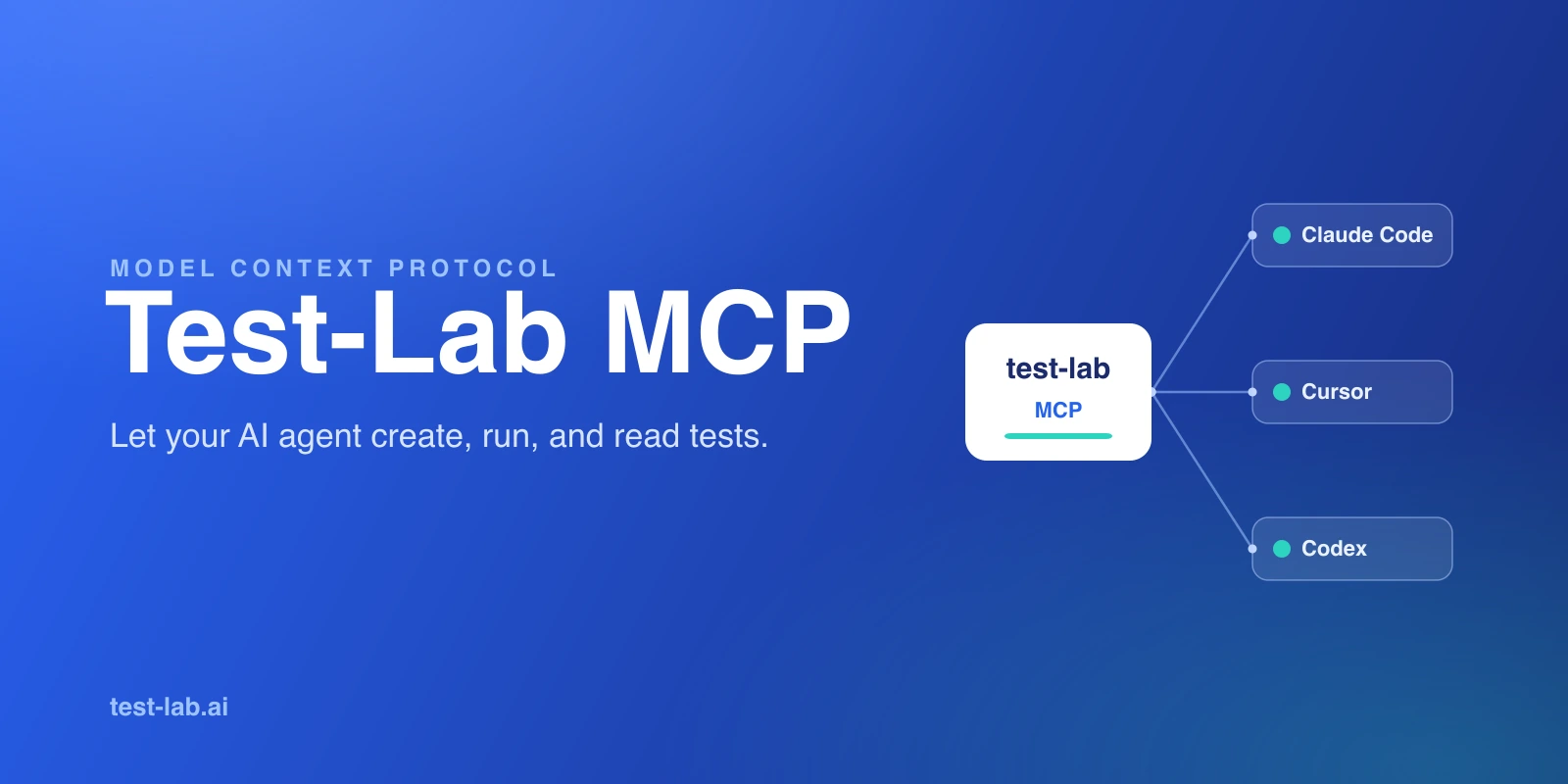
AI agents now write a large share of the code that ships. The catch is that the code still has to be tested, and the agent that wrote it is the one in the best position to do it, right there in the same loop. Test-Lab's first-party MCP server turns testing into something the agent can call: it can create a test plan, run it, read the result, and fix what broke without ever leaving the conversation.
This post explains what the server is, the tools it gives your agent, and how it differs from Playwright MCP (a question we get a lot, because the two sound similar and do very different things).
What it is
MCP, the Model Context Protocol, is a standard way to hand an AI model tools it can call. @test-lab-ai/mcp is Test-Lab's own MCP server. It is a stdio server, and you run it with a single command:
npx -y @test-lab-ai/mcpIt needs Node.js 18 or newer, and that is the whole install. There is nothing to clone and nothing to build.
Under the hood it wraps the same operations as the Test-Lab CLI and exposes them as MCP tools. It does not reimplement anything: it reuses the CLI's own modules, so authentication, retries, and error handling behave identically whether your agent calls a tool or you type the command yourself.
Auth is the same too. The server reads your TESTLAB_API_KEY environment variable first, then falls back to ~/.test-lab/config.json. If you have already run testlab login, it just works. If you have not, there is a login tool that runs the same browser approval flow the CLI uses.
Browser control versus test management
This is the distinction that matters most, and it is the one people miss. Playwright MCP drives a browser one action at a time: navigate, click, type, read the accessibility tree. It is the agent's hands on a live page.
Test-Lab's MCP sits at a different layer. The agent does not click around. It describes a test in plain English, runs it, manages the credentials and data the test needs, uploads or reads scripts, and reads back structured pass or fail results. The browser execution happens on our side.
In short:
- Playwright MCP is browser control: one action per call, the agent reacts to what it sees.
- Test-Lab MCP is test management: create a durable test, run it, get evidence back.
They are complementary. Explore an unfamiliar UI with Playwright MCP, then persist the flow as a durable, monitored test with Test-Lab. We wrote the full side-by-side in Test-Lab MCP vs Playwright MCP.
The tools it gives your agent
The server exposes 16 tools. You rarely call most of them by hand, but it helps to know how they group:
- Plans:
create_test_plan(describe a flow in plain English),list_test_plans, andlist_projectsto see where plans live. - Runs:
run_testsis the one that does the work. Point it at plan ids, a whole project, or a label, and it returns a results URL for each job it kicks off. - Credentials:
set_credential,list_credentials. Tests reference them by token, so secrets never land in a prompt. - Data:
create_data_fixture,list_data_fixturesfor the structured data a test reads from. - Labels:
create_label,list_labelsto group and target plans. - Scripts:
get_scriptandupload_script, for when your agent writes the Playwright.spec.tsitself and wants test-lab to run that rather than generate one. - Bulk:
import_bundlecreates credentials, labels, fixtures, and plans in one call, with pre-steps sorted into the right order automatically.
Two more round it out: whoami confirms which account the key belongs to, and examples returns a full JSON reference the agent can read when it needs the exact shape of an argument.
Inside a plan prompt, your agent references the things it set up with tokens: {{credentials.<key>}} for a login, {{data.<fixture>.<field>}} for a piece of structured data, and {{run.shortId}} for a unique per-run value (handy for naming records so a cleanup job can find them later).
One note on cost: run_tests consumes credits on pay-as-you-go accounts. Listing and creating plans is free; actually executing them is the metered part.
A concrete loop
Here is what this looks like in practice. Say you are in Cursor and you have just had the agent build a new checkout flow:
- The agent calls
create_test_planwith a plain-English description: log in as the test user, add an item, check out, confirm the order shows up. - It calls
run_testswith the new plan id and gets back a results URL. - It reads the structured result from that URL: which steps passed, where it failed, with a trace and screenshots attached.
- The checkout total is off by a cent. The agent sees the failing assertion, fixes the rounding bug in the code it just wrote, and calls
run_testsagain. - Green. All of that happened in one session, without you switching tabs.
The agent treated testing the same way it treats reading a file or running a build: as a tool call with a result it can reason about.
Setting it up
In any MCP client, you register the server once. For Claude Code or Cursor, that is a small entry in your MCP config, with an API key from your test-lab dashboard:
{
  "mcpServers": {
    "test-lab": {
      "command": "npx",
      "args": ["-y", "@test-lab-ai/mcp"],
      "env": { "TESTLAB_API_KEY": "tl_your_key_here" }
    }
  }
}
You can drop the env block if you have already run testlab login, since the server reads the same ~/.test-lab/config.json. It works the same in Claude Code, Cursor, Codex, and Claude Desktop. The MCP docs have the per-client config and the full tool reference. If you would rather script it or wire it into CI, the same operations are available through the CLI, and there are ready-made agent skills too.
When to use it
Reach for Test-Lab's MCP when you want the test to outlive the session. The agent built a feature; now you want a real, repeatable check that runs on a schedule, against the right environment, with evidence you can look at later. That is the durable, monitored layer, and it is the one Test-Lab owns: stable execution, traces and screenshots and video, retries, scheduling, environments, and a dashboard.
Reach for Playwright MCP instead when you want the agent to poke at a live page right now and react step by step. Use both, in that order, and you get the best of each.
The bottom line
Test-Lab's MCP makes testing a first-class tool your agent can call, at the test-management layer rather than the click-by-click layer. It wraps the same operations as the CLI, authenticates the same way, and hands the agent everything it needs to create a test, run it, and read the result. The agent writes the code and proves it works, in one loop.
Want your AI agent to create and run real browser tests without you managing the plumbing? Try Test-Lab free and run your first test in minutes.
Related reading:
- Test-Lab MCP vs Playwright MCP - the full side-by-side on the two layers
- What is Playwright MCP? - the browser-control primitive, explained
- Test-Lab MCP and CLI docs - per-client setup and the full tool reference
- The best AI QA tools in 2026 - an honest, ranked comparison