
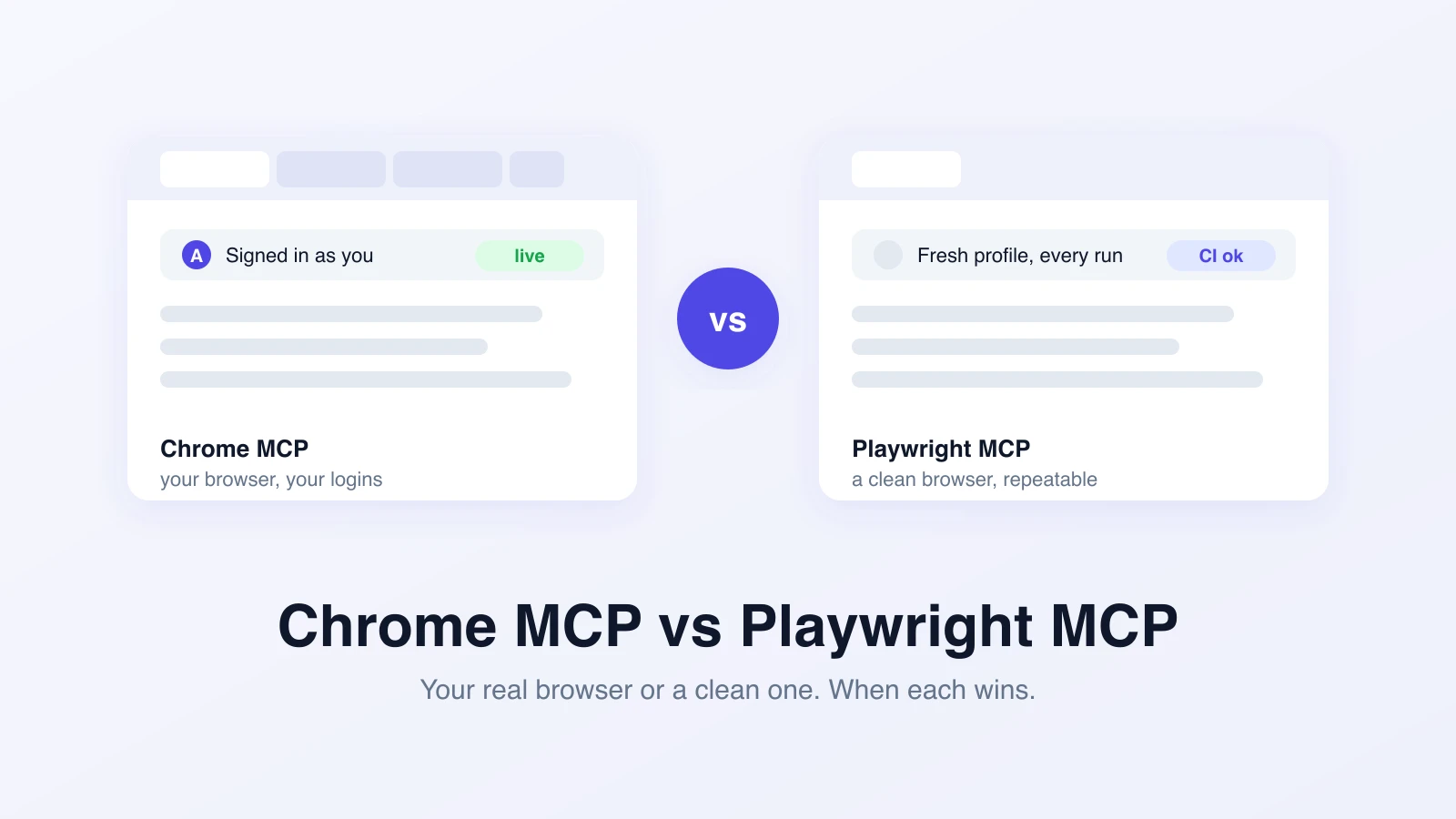
People searching for Chrome MCP vs Playwright MCP are usually comparing two very different animals: Claude's Chrome extension, which drives the browser you already have open, and Playwright MCP, which launches a clean browser that the agent fully controls. The one-paragraph answer: if the task depends on state that only exists in your day-to-day browser (logins, carts, admin sessions), the Chrome extension wins. If you want repeatable automation you can run twice and get the same result, Playwright MCP wins, and it is the only one of the two you should point at CI.
Before the comparison, one untangling, because the name "Chrome MCP" is doing a lot of work.
Three tools get called Chrome MCP
- Claude in Chrome is Anthropic's browser extension. It puts Claude inside your actual Chrome session, with your tabs, your cookies, and your logins, gated by permission prompts. This is what most people mean by "Chrome MCP" in 2026, and it is what this post compares.
- Chrome DevTools MCP is Google's MCP server for debugging: performance traces, network inspection, console access, and an autoConnect flow into a live session. It is aimed at "why is this page slow," not test automation. We compared it separately in Chrome DevTools MCP vs Playwright MCP vs CLI.
- Browser MCP is a community extension that connects an MCP client to your existing Chrome, similar in spirit to Claude in Chrome but client-agnostic.
Different tools, different jobs. Now the comparison people actually want.
What Claude's Chrome extension actually does
Claude in Chrome injects the agent into the browser you are already using. It reads pages through the accessibility tree, finds elements by description, clicks, types, takes screenshots, and can read console output and network requests when you are debugging. You watch it work in your own tabs.
The decisive property is state. The extension sees what you see: the app you are logged into, the feature flag your account has, the cart you abandoned, the admin panel behind your SSO. There is no setup step where you export cookies or script a login. You open the tab, you ask, it acts.
The limits follow from the same property. It works where Chrome works, tied to your machine and your session. Runs are not reproducible, because your browser state changes all day. It needs a paid Claude plan. And it is interactive by design: permission prompts and a human watching are part of the model, which is the right call for an agent acting inside your real accounts, and the wrong shape for unattended automation.
What Playwright MCP does
Playwright MCP is Microsoft's open-source MCP server around the Playwright engine. Any MCP client (Claude, Cursor, your own agent) gets a tool set: navigate, snapshot the accessibility tree, click by element ref, fill forms, capture screenshots. It launches its own browser: Chromium by default, Firefox and WebKit if you ask.
The decisive property here is the opposite one: the browser is clean. Every run starts from a known state. Auth happens explicitly, usually by loading a saved storage state or injecting cookies, which feels like friction until you realize it is the reason run 2 behaves like run 1. Clean state is what makes automation repeatable, parallelizable, and safe to run without a human watching.
The cost is the setup you skipped with the extension: getting past login, seeding data, and reproducing whatever conditions your real browser had for free. And on long sessions, MCP's in-context snapshots add up; we wrote up the token math in Playwright MCP vs Playwright CLI.
The real difference is whose browser it is
Every row of a feature table falls out of this one fact.
| Dimension | Chrome MCP (Claude in Chrome) | Playwright MCP |
|---|---|---|
| Browser | Your Chrome, your profile | Its own Chromium, Firefox, or WebKit |
| Logged-in state | Already there | Injected explicitly (storage state, cookies) |
| Repeatability | Low: state drifts all day | High: clean start every run |
| Runs in CI | No | Yes |
| Parallel runs | No, there is one you | Yes, one context per run |
| Human in the loop | Built in, permission prompts | Optional, none by default |
| Cross-browser | Chrome and Edge | Chromium, Firefox, WebKit |
| Cost | Paid Claude plan | Free, open source |
| Best at | Acting inside your real accounts | Repeatable automation |
Where each one breaks
The extension breaks the moment you want the same check twice. A run that depends on whatever your browser looked like at 3pm is an observation, not a test. It also cannot fan out: there is exactly one of your browser.
Playwright MCP breaks in the other direction. It cannot see state that only exists in your personal browser, so "why does this page look wrong for my account" is out of reach until you export that state into the automation browser. And an autonomous agent in any browser deserves care: Microsoft says plainly that Playwright MCP is not a security boundary, so run it isolated, with access to nothing you would not hand a stranger.
One rule worth keeping either way: an agent in your real browser acts as you. Use the extension for tasks you would do yourself, with your own eyes on it, and use an isolated browser for anything unattended.
The decision rubric
Use Chrome MCP (Claude in Chrome) when:
- The task depends on your real session: your login, your data, your flags
- You are doing a one-off check or live debugging, and you will be watching
- The answer matters once, right now, not every night at 2am
Use Playwright MCP when:
- You want the same flow to run twice and mean the same thing
- The run should happen in CI, on a schedule, or in parallel
- You need Firefox or WebKit, not just Chrome
Poking around vs testing
Notice what both options have in common: they give an agent hands. Neither gives you a test suite. A real QA setup needs the same flow to run on every deploy, against the right environment, with credentials handled properly, evidence captured, and a pass-fail history someone can read on Monday.
That is the layer Test-Lab provides. You describe the flow in plain English, and we run it in clean browsers with auth injection, screenshots, traces, and scheduling built in. Your coding agent can trigger and read those runs over our MCP server, so the browser-control question above stays what it should be: a local-workflow preference, not your testing strategy.
Want repeatable browser tests without wiring up MCP servers and auth state yourself? Try Test-Lab free and run your first test in minutes.
Related reading:
- What is Playwright MCP? - a plain-English primer
- Chrome DevTools MCP vs Playwright MCP vs CLI - the debugging-focused Chrome MCP, compared
- Claude Code + Chrome extension for local testing - our hands-on setup guide
- Test-Lab MCP vs Playwright MCP - browser control versus test management