
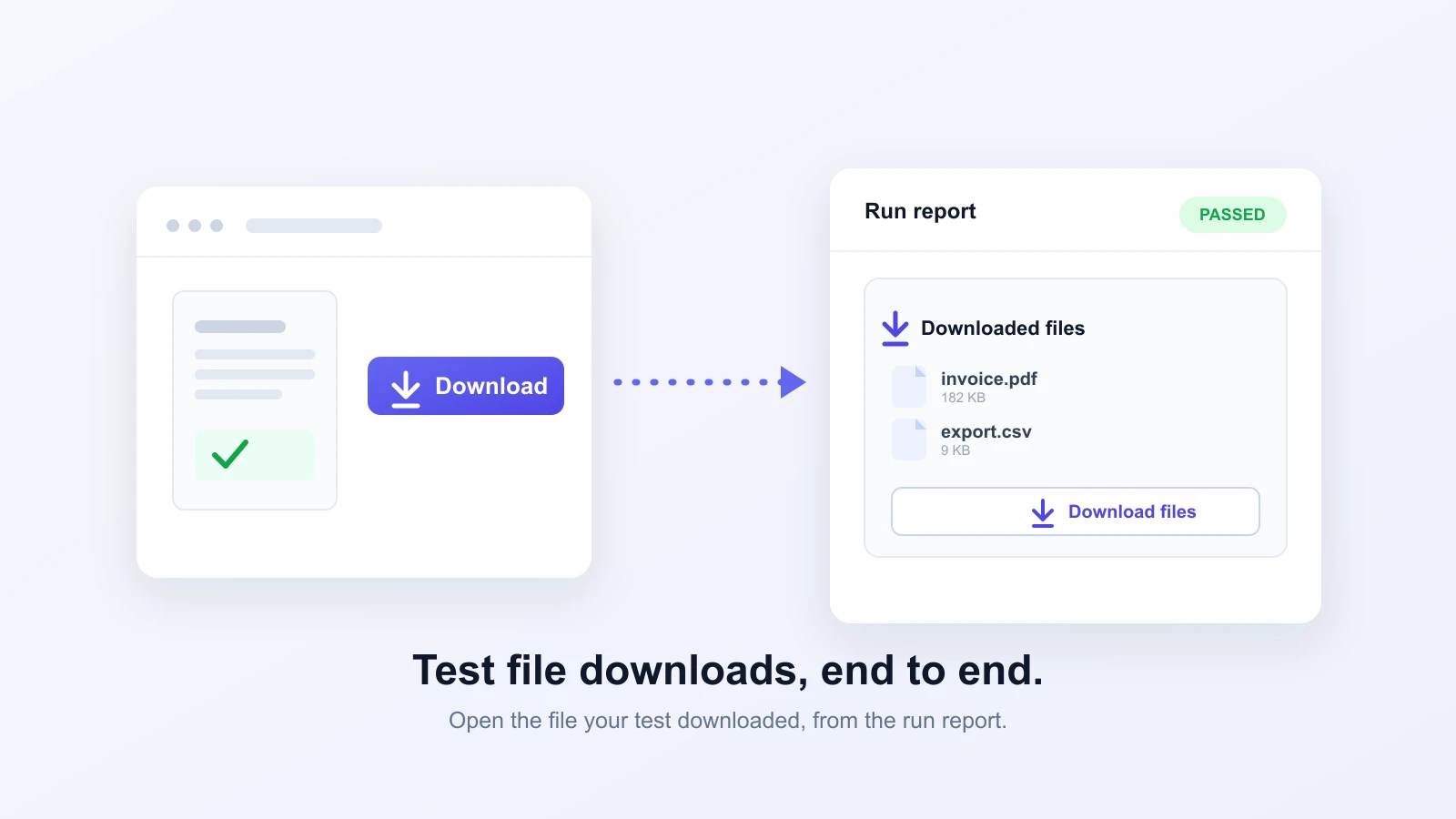
You can now test file downloads on Test-Lab.
A browser test could always click a download button. What it could not do was check what came down. The click might work while the export is an empty CSV, or the invoice PDF is a zero-byte stub, and the test would still pass. File downloads were a blind spot on the way out, the same way file uploads used to be a blind spot on the way in.
Now the file the test downloads shows up in the run report, so you can open it and see exactly what your app handed over.
What we shipped
When a test downloads a file, the file is attached to the run. No setup, no config, no special step in your plan. If the flow you are testing triggers a download, the file is there when the run is done.
You get to it from the report. Open a finished run and there is a Downloaded files card in the sidebar with a Download files button. Click it and you get the files the test pulled down, bundled into one zip. Several files from a single run come down together.
It works in AI runs and Playwright scripts
File download testing is built into both ways of running a test. An AI agent that clicks Export and downloads a report, a saved Playwright script that does the same, a multi-step pipeline where step two generates an invoice and downloads it: each one attaches its files to the right run. It is the download counterpart to testing file uploads, which handles the other direction.
Where it helps
- Export buttons: the CSV, XLSX, or PDF behind a Download or Export action, so you can open it and confirm the columns and rows are right, not just that the button worked.
- Generated documents: invoices, receipts, contracts, tickets. The file your app builds on the fly is the thing you actually need to check.
- Data exports: "download your data" and report flows that hand the user a file at the end.
This is different from exporting the run report itself, which packages the test result as a PDF or JSON. A downloaded file is what your application gave the test, not what Test-Lab wrote about the run.
Try it
Run a test that clicks a download, on any account. Open the finished run, find the Downloaded files card in the report sidebar, and click Download files. The file your test downloaded is right there, the same one your users would get.