
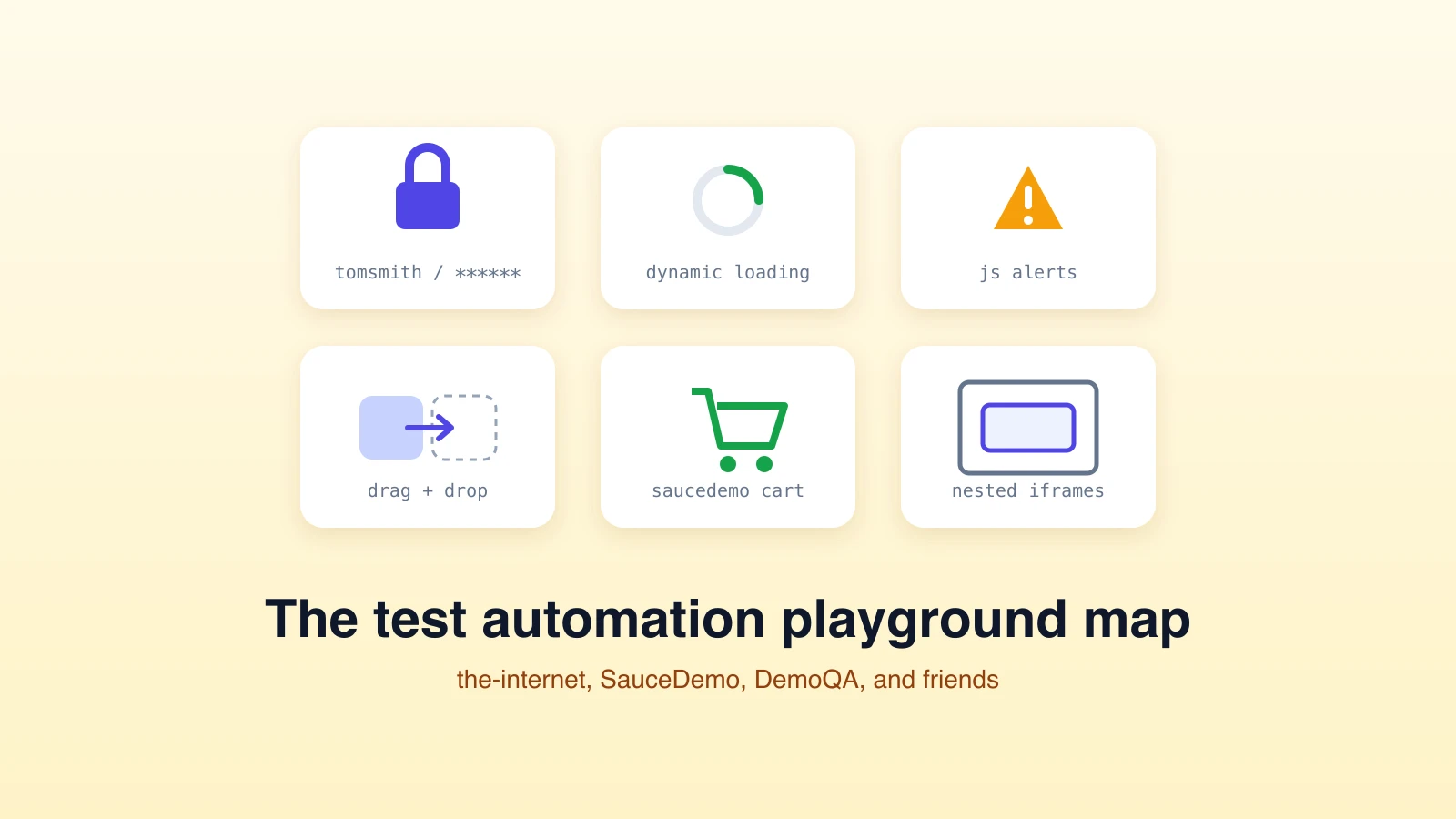
Every test automation tutorial needs a safe target, and a handful of practice sites have become the standard playgrounds: stable, free, legal to hammer, and deliberately full of the UI patterns that make real testing hard. This is the list we actually use, what each site is good for, and the login credentials everyone searches for anyway (yes, tomsmith / SuperSecretPassword! is in here).
One framing note before the list: these sites are just as useful for practicing AI-driven testing as for hand-written scripts. Every example below works as a plain-English test plan too, which makes them a fast way to compare an agent's behavior against the script you would have written.
the-internet.herokuapp.com: the classic obstacle course
the-internet is a collection of dozens of isolated pages, each demonstrating exactly one hard thing. Nothing to install, nothing that changes under you. The pages worth your first hour:
- Form Authentication: the famous practice login. Username
tomsmith, passwordSuperSecretPassword!. Practice the happy path, the failure message, and the logout. - Dynamic Loading: elements that appear after a delay, the canonical waiting exercise. If your test passes without an explicit wait strategy, you got lucky, not correct.
- Dynamic Controls: a checkbox that gets removed and re-added, for practicing stale-element recovery.
- iframes and Nested Frames: the pattern that quietly breaks selectors and confuses agents that forget to switch context.
- JavaScript Alerts: native dialogs, which live outside the DOM and outside many beginners' mental model.
- Drag and Drop, Hovers, File Upload: interaction patterns that separate "clicks buttons" from "handles a real UI".
A good graduation exercise: write one test that logs in, triggers the dynamic loader, and handles an alert, all in one run.
SauceDemo: the standard e-commerce flow
SauceDemo is a small storefront built for practice: log in (standard_user / secret_sauce), browse products, add to cart, and complete a checkout. Its best feature is the set of broken personas: locked_out_user gets rejected, problem_user sees wrong images and broken sorting, performance_glitch_user is slow on purpose. Testing the same flow across those users is a compact lesson in why one green run proves little.
DemoQA: widget bootcamp
DemoQA is a grab bag of form elements, widgets, and interactions: date pickers, sliders, sortable lists, modal dialogs, upload and download, a practice form with validation. It is the place to drill individual controls before you meet them buried inside a real app. The forms are also pleasantly hostile: overlapping ads and layout shift are part of the training.
UI Testing Playground: flakiness, distilled
UI Testing Playground was built specifically to teach the failure modes that make tests flaky: buttons with delayed event handlers, elements that exist but are not interactable yet, IDs that change on every load, progress bars you must stop at the right value, hidden layers that swallow clicks. Each page names the trap it sets. If your team has a flaky-test problem, an afternoon here is cheaper than a week of debugging CI, and pairs well with our guide to fixing flaky tests.
Automation Exercise and OrangeHRM: full-application practice
When single-page drills get comfortable, two fuller apps give you end-to-end journeys. Automation Exercise is a complete store with signup, cart, checkout, and contact flows, big enough to practice multi-step journeys with state carried between pages. The OrangeHRM demo is a real HR product's demo instance (Admin / admin123), useful for practicing the enterprise patterns tutorials skip: data grids, record CRUD, role-based menus.
TodoMVC: the assertion gym
TodoMVC implementations are tiny, fast, and perfect for practicing precise assertions: add three todos, complete one, filter to active, assert exactly two remain. When you want to think about verification rather than navigation, this is the venue.
Using these sites to evaluate AI testing agents
Practice sites earned a second life as evaluation targets for AI agents, because they concentrate the exact patterns agents fail on: waits, iframes, dialogs, changing DOM. The comparison is instructive in both directions. A plain-English plan like "log in to the-internet with tomsmith and SuperSecretPassword!, open Dynamic Loading example 1, start it, and verify the finished text appears" exercises the same traps as the script version, and the agent's evidence trail shows you how it handled each one.
We keep worked examples of these plans (and the login pattern specifically) in our examples gallery and the docs examples section, including the login form example that mirrors the-internet's authentication page. They are free to run, so a practice site plus a demo run is a zero-cost way to see agent-based testing against a target you already understand.
Frequently asked questions
What is the login for the-internet.herokuapp.com?
Username tomsmith, password SuperSecretPassword!, on the Form Authentication page. Invalid credentials produce a flash error message, which makes it ideal for practicing both the positive and negative login test.
What is the best practice site for beginners?
Start with the-internet for isolated single-pattern pages, then SauceDemo for your first full journey. Move to Automation Exercise or OrangeHRM when you want multi-page state, and UI Testing Playground when you are ready to fight flakiness on purpose.
Can I use these sites to test AI testing tools?
Yes, that is one of their best modern uses. They are stable, public, and safe to automate, so they make fair, repeatable targets for comparing script-based and agent-based approaches on identical flows.
Point an AI agent at any site on this list: describe the flow in plain English and watch the evidence come back. Try Test-Lab free.
Related reading:
- How to fix flaky tests - the production version of what UI Testing Playground teaches
- Debugging AI browser tests - the triage playbook for stale DOM, auth drift, and bot walls
- See the admin without signing up - run demo tests with zero setup