
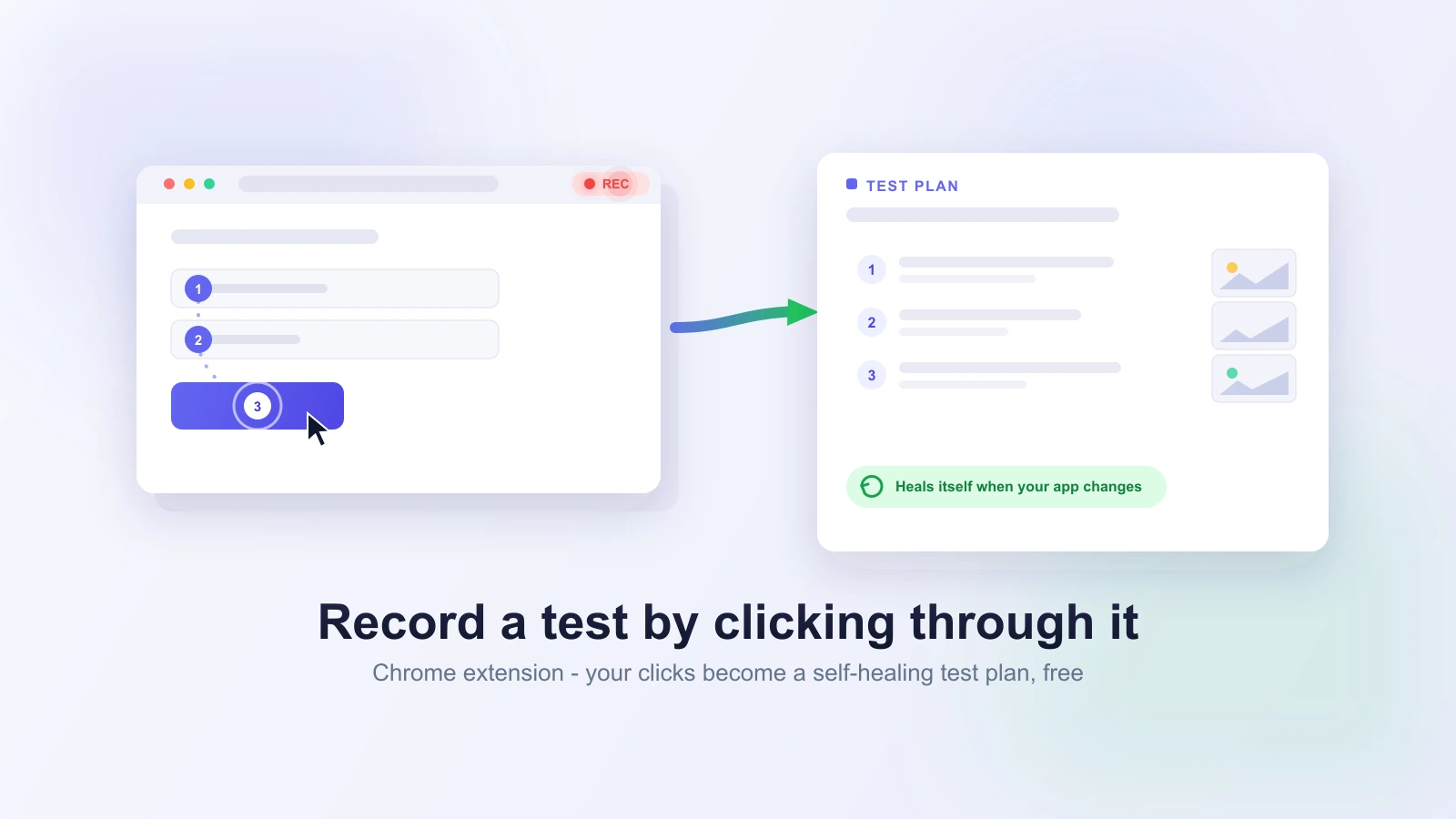
You can now record a test by clicking through your app. Install the Test-Lab Chrome extension, press Record, and walk through the flow you care about - a signup, a checkout, a search-and-filter. Every click, form entry, and page change becomes a step, each with its own screenshot, and the whole thing lands as a ready-to-run test plan.
No writing a spec from a blank file. You already know how to use your own product. Now that is enough to get a test.
The hardest test to write is the first one
Most teams do not skip end-to-end testing because they doubt it is worth it. They skip it because the first test is a slog. You open an empty file, try to remember every step of a flow you run in your sleep, guess at selectors, and half an hour later you have one test for one path. The blank page, not the value, is what stalls a suite before it starts.
Recording removes the blank page. You drive the flow the way a user would, and the recording is the draft. What used to be an afternoon of writing is a two-minute walk through your own app.
How to record a browser test
Recording a test takes about as long as the flow itself:
- Install the Test-Lab Chrome extension and open the Record tab.
- Go to the page you want to test - production, a staging URL, or anything your browser can reach.
- Click Record and use the app like a user would: fill the form, click the button, follow the redirect.
- Click Stop. Every step is captured in order, each with a screenshot of the moment you took it.
- Review the steps, rename the test, and save it as a test plan.
No config file, no selector hunting, no boilerplate. The recording is the test.
What one recording gives you
- A test plan in plain steps. The actions you took, in order, in plain language and ready to run. This is the real output: an editable test plan, not a wall of code.
- A screenshot for every step. You see exactly what was captured at each click, so reviewing a recording takes seconds and nothing is a mystery.
- An optional video of the session when you are signed in, so a teammate can watch the flow end to end.
- A reference Playwright script as a head start. It uses best-guess locators and has no assertions yet, so treat it as a starting point, not a finished test.
It captures a test, not a brittle script
This is where most recorders fall down. Playwright codegen and the old record-and-playback tools hand you a script pinned to today's page: a stack of CSS selectors that match the DOM at the exact second you recorded. Rename a class, move a button, wrap an element in a new div, and the script goes red - even though the user flow never changed. That is the trap that gave record-and-playback testing its reputation. Recording is fast, and then you spend the time you saved patching selectors.
Test-Lab records the flow as a test plan the AI runs, and that run heals itself when your app moves. A relocated button or a renamed field is worked out at run time, not a broken locator you chase through a diff. Recording gets you the test; the way Test-Lab runs it keeps the test alive. You get the speed of record-and-playback without the maintenance bill that usually comes with it.
It works on the apps you actually ship
Modern apps do not sit still. Content loads after the page, elements appear and disappear, and a single-page app swaps the whole view without a full navigation. The recorder follows all of it - it tracks the flow across client-side route changes and content that arrives late, so a React, Vue, Svelte, or plain-JavaScript app records the same way a classic multi-page site does. The messy, dynamic flows that are the most tedious to write by hand are exactly the ones recording saves you the most on.
Free, and no account needed
You can record without signing up. Grab the extension, record a flow, and review the steps and screenshots right in your browser - no login, nothing to configure. Sign in when you want to keep recordings in your account, add a video of the session, and run your tests in the cloud across browsers and devices.
That makes the recorder a no-commitment way to try the whole idea. Record the flow you would want tested, see exactly what you get, and decide from there.
Where it earns its keep
- Turn a bug into a regression test. Reproduce the bug once with Record on, and you have the test that guards against it coming back.
- Bootstrap a suite in an afternoon. Record your five or ten critical paths back to back instead of writing each from scratch.
- Let anyone contribute a test. Someone who knows the product but not Playwright can click through a flow and hand off a real, runnable test.
- Keep tests close to the product. When a flow changes, re-record it in a minute instead of hand-editing steps you half remember.
- Double a test as documentation. A recording with a screenshot per step is also a visual walkthrough of how the feature is supposed to work.
Frequently asked questions
Do I need to know Playwright or write any code? No. You click through your app and get a runnable test. The reference Playwright script is there if you want it, but you never have to touch it.
Is the recorder free? Yes. Recording works with no account. Signing in adds session video and cloud runs across browsers and devices.
How is this different from Playwright codegen? Codegen gives you a script tied to the page's current selectors, which you then maintain by hand. Test-Lab turns the recording into a test plan the AI runs and repairs as your app changes, so a redesign does not turn into a red suite.
Does it work on single-page apps? Yes. It follows client-side navigation and content that loads after the page, so React, Vue, Svelte, and plain-JavaScript apps all record cleanly.
Will it record my password? No. Password and one-time-code fields are skipped, so credentials never end up in your test.
Can non-engineers use it? That is the point. Anyone who knows how the product should behave can record a flow and hand off a real, runnable test - no test-writing experience required.
Try it
Install the Test-Lab Chrome extension, open the page you want to test, and click Record in the Record tab. Walk your flow, hit Stop, and review the steps. When you are ready, save it to your account as a test plan and run it. The extension docs cover setup, and the test plans guide covers what happens after you save.
The best test is the one you actually write. Recording makes that the one you already know how to run.