Blog

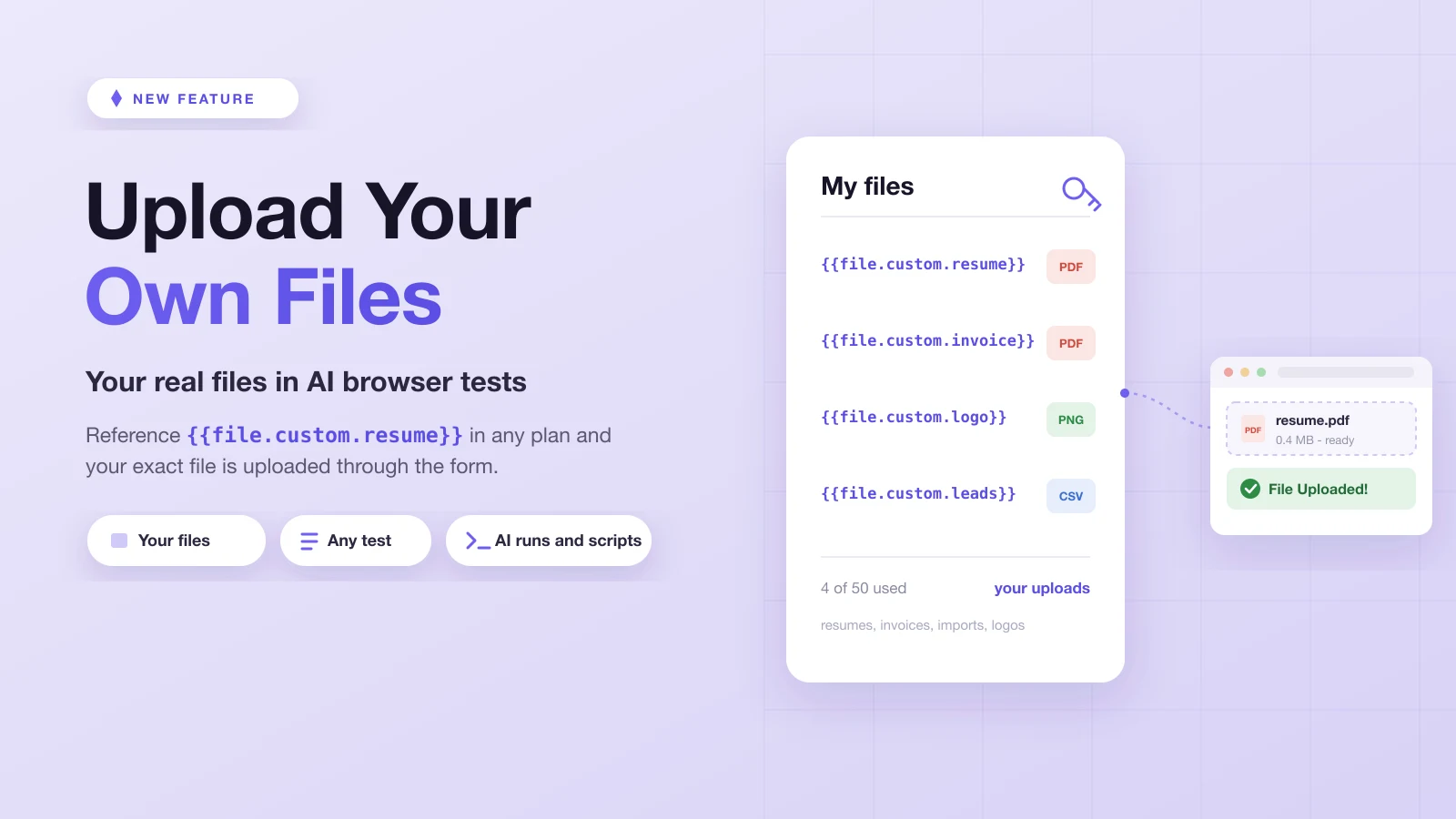
Upload Your Own Files in Browser Tests

Upload Your Own Files in Browser Tests

Upload your own files to Test-Lab and reference them in any test with {{file.custom.resume}}. Test uploads with the exact PDF, CSV, image, or document your app expects, in AI runs, Playwright scripts, and pipelines.

featurefile upload testingcustom filestest fixturesPlaywrightAI testingbrowser automationE2E testingtest automation
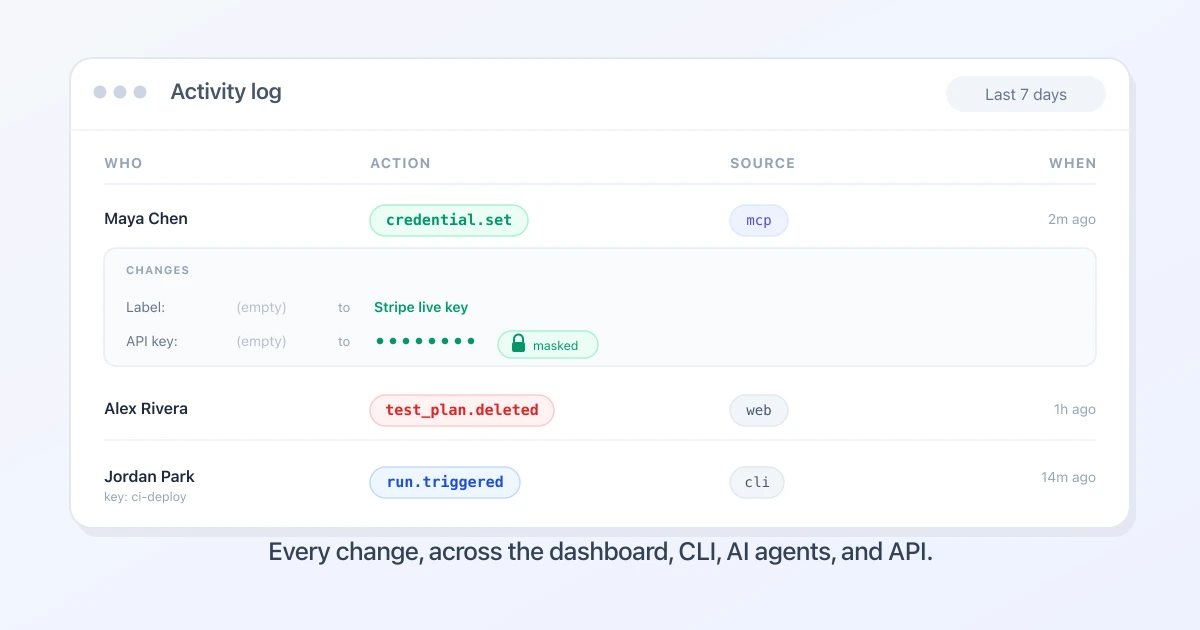
The Activity Log: See Who Changed What, From the Dashboard, CLI, or AI Agent

The Activity Log: See Who Changed What, From the Dashboard, CLI, or AI Agent

test-lab now records every change to your account in one activity log: who made it, which surface it came from, and the exact before and after. Credentials stay masked.

featureaudit logactivity logsecuritycomplianceteamQA workflowAI testing
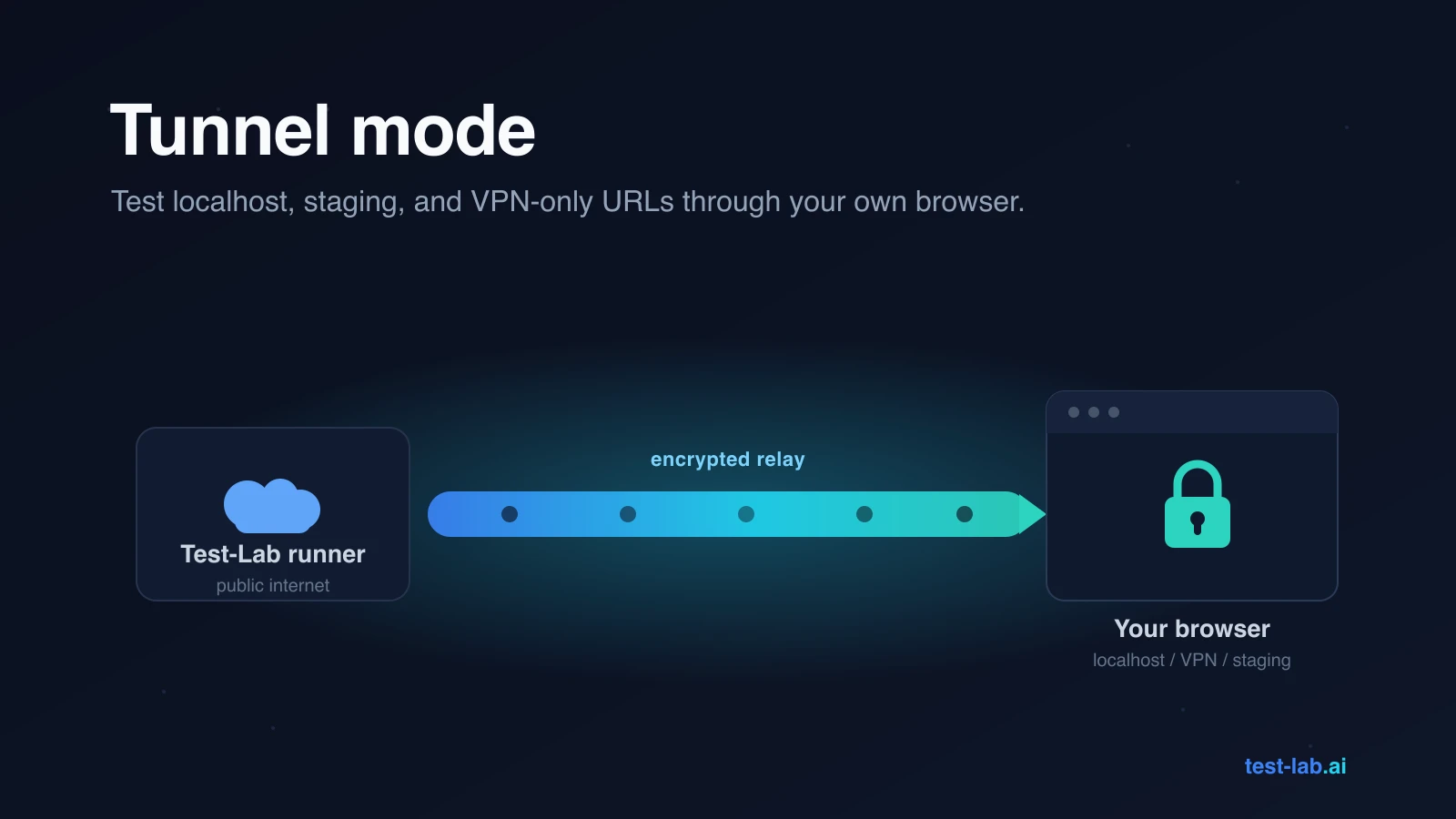
Tunnel Mode: Test localhost, staging, and VPN-only URLs through your own browser

Tunnel Mode: Test localhost, staging, and VPN-only URLs through your own browser

Test-Lab's runners live on the public internet, so out of the box they cannot reach localhost, staging behind SSO, or VPN-only URLs. The Tunnel extension routes a single run through your own browser, so the test reaches anything your machine can.

featureChrome extensiontunnel modelocalhost testingstagingVPNAI testingprivate environments
Turn a Failed Run Into a Ticket: Linear, Jira, GitHub, and More

Turn a Failed Run Into a Ticket: Linear, Jira, GitHub, and More

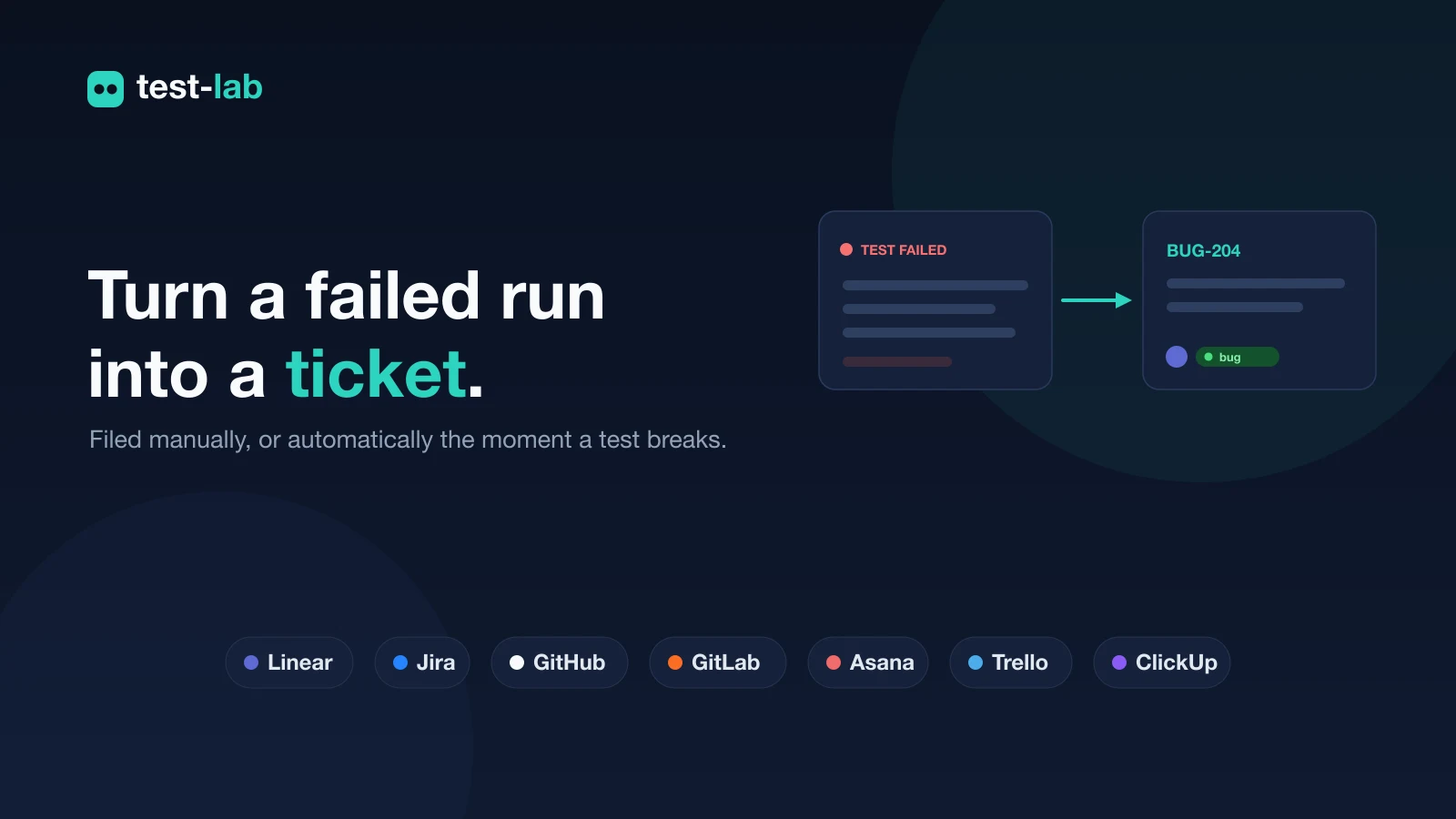
Connect your issue tracker and file a test failure as a ticket without leaving the report, or have test-lab open one automatically the moment a test fails. Seven tools: Linear, Jira, GitHub, GitLab, Asana, Trello, and ClickUp.

featureintegrationsissue trackingLinearJiraGitHubbug reportsAI testingQA workflow
Export Any Test Report: PDF, HTML, JSON, or JUnit

Export Any Test Report: PDF, HTML, JSON, or JUnit

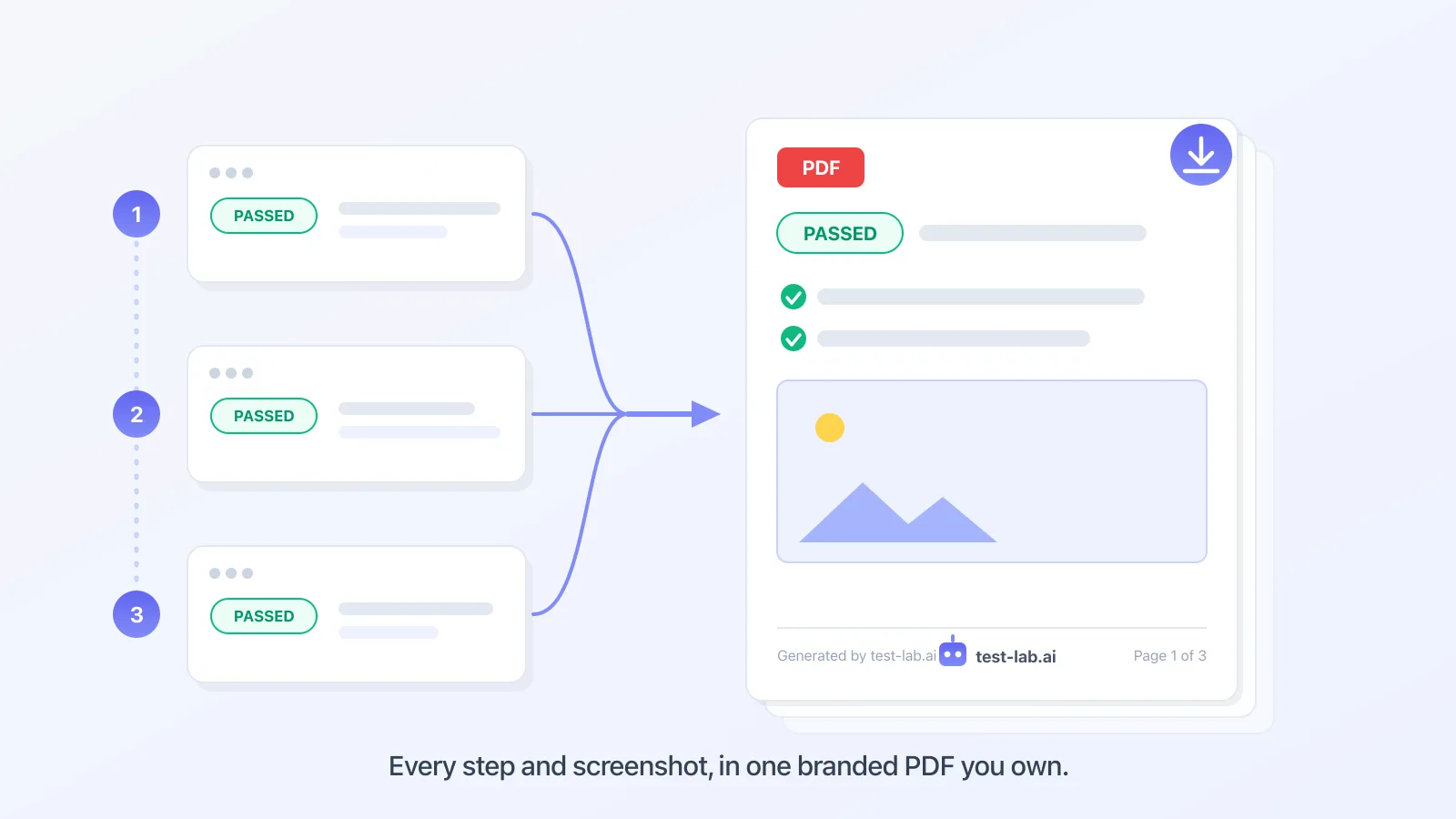
Download any test-lab run, or a whole pipeline, as a file: a self-contained PDF or HTML page with the screenshots inline, structured JSON for your own tooling, or JUnit XML for your CI. One Export menu, four formats, every account.

featuretest reportsPDF exportHTML exportJUnitJSONQA reportingAI testingCI
Test File Uploads with Real Files

Test File Uploads with Real Files

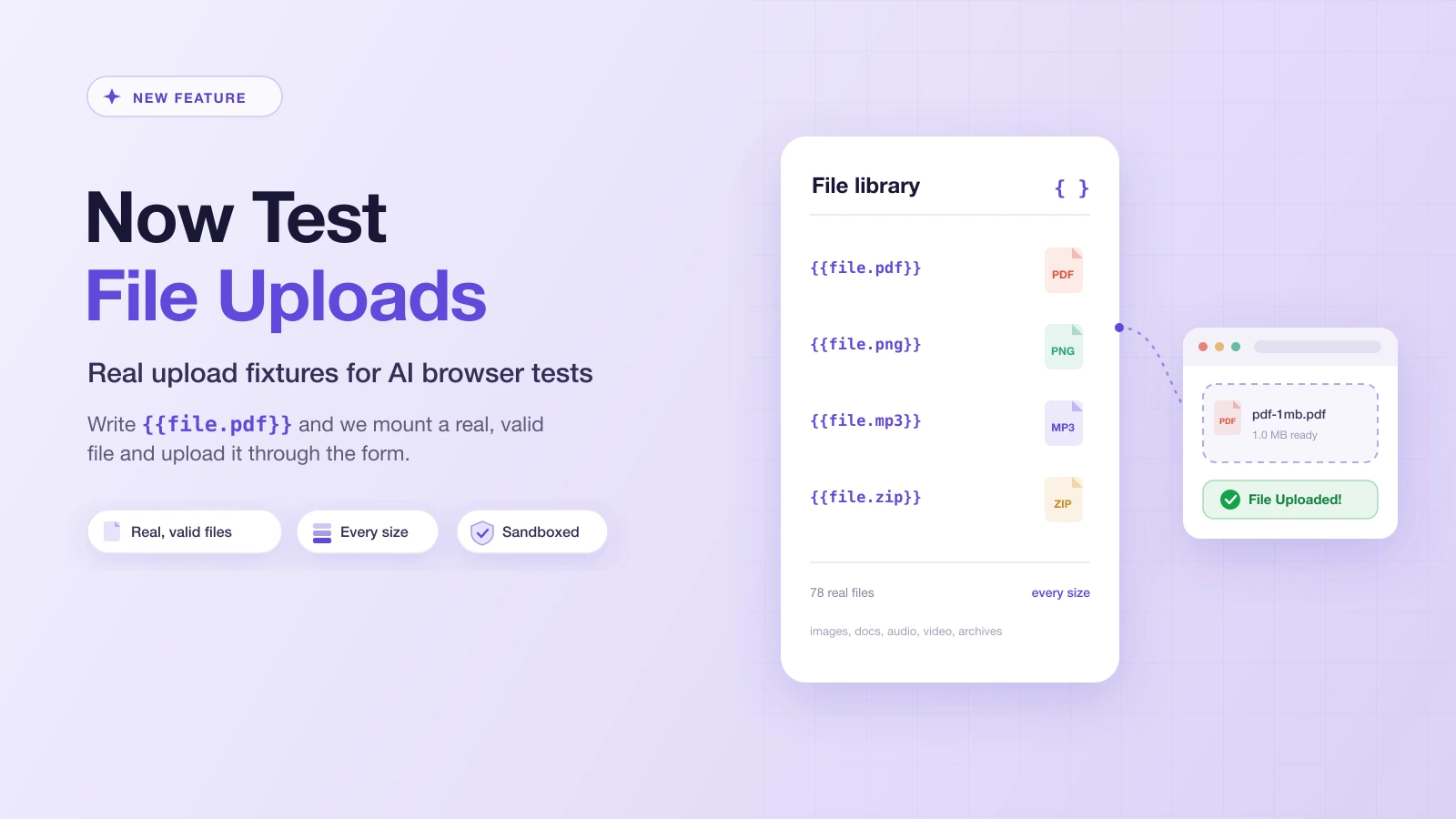
You can now test file uploads on Test-Lab. Reference {{file.pdf}} in any test plan and a real, valid file is uploaded through the picker: PDFs, images, audio, video, and archives in every size, with no fixtures to install or commit.

featurefile upload testingtest fixturesPlaywrightAI testingbrowser automationE2E testingtest automation
Test-Lab MCP vs Playwright MCP: Browser Control vs Test Management

Test-Lab MCP vs Playwright MCP: Browser Control vs Test Management

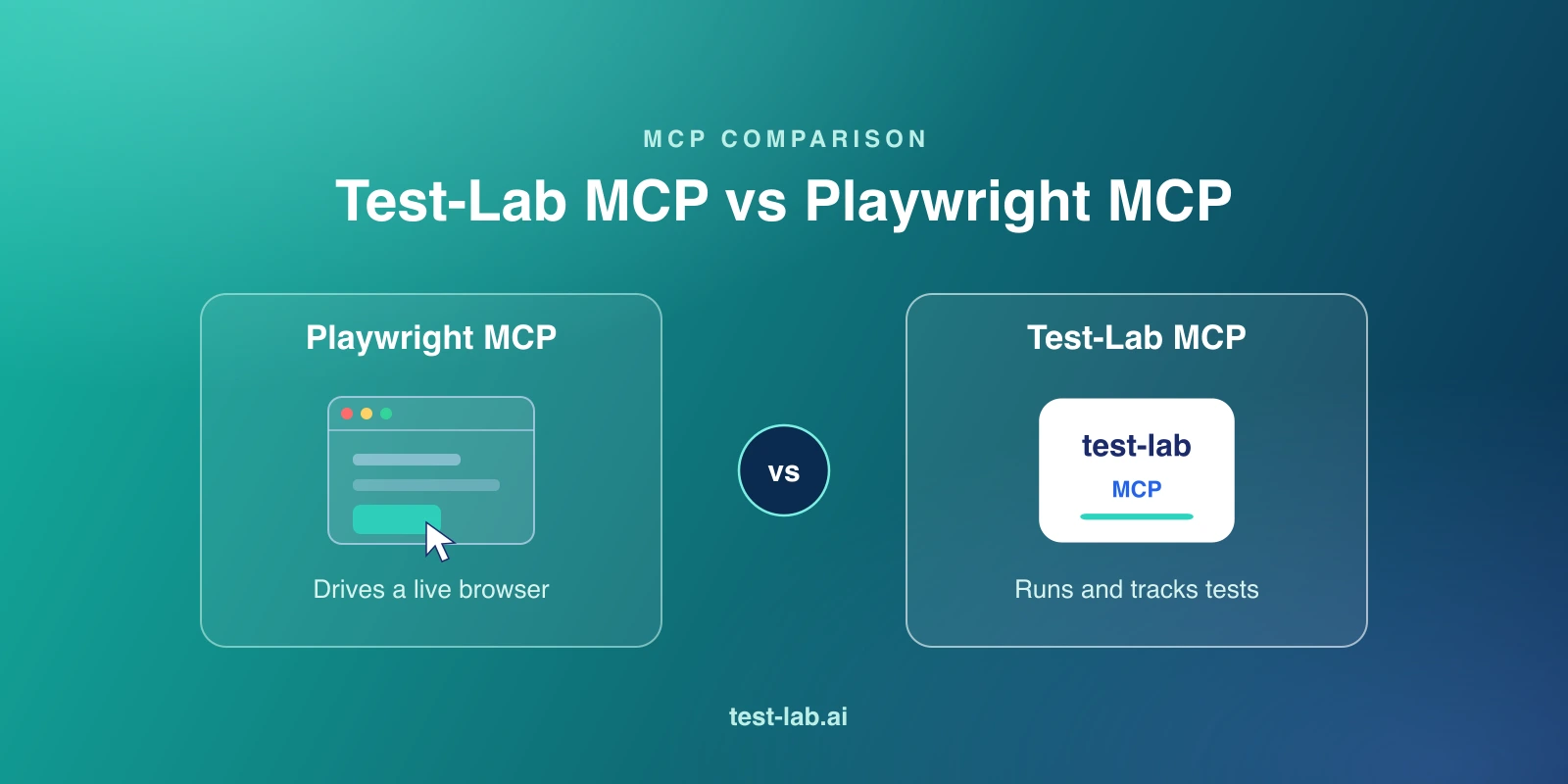
Playwright MCP drives a browser. Test-Lab's MCP manages and runs tests. Here is how the two MCP servers differ, when to use each, and why they work well together.

MCPPlaywrightAI testingagentscomparisonbrowser automation
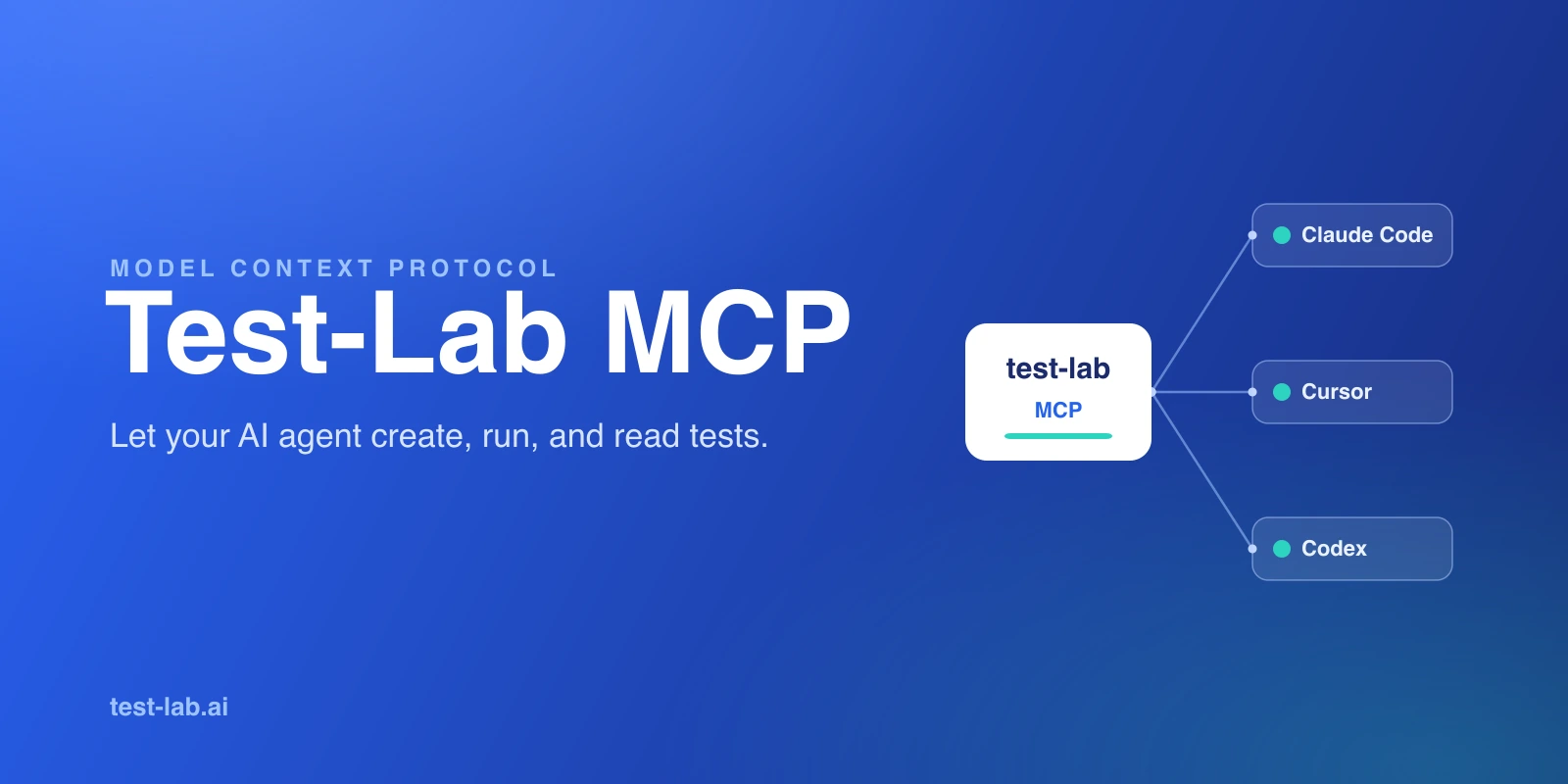
What Is Test-Lab's MCP? A First-Party Server for Agent-Driven Testing

What Is Test-Lab's MCP? A First-Party Server for Agent-Driven Testing

Test-Lab.ai ships its own MCP server so AI agents can create, run, and manage real browser tests. Here is what it does, the tools it exposes, and how it differs from Playwright MCP.

MCPAI testingagentsClaude CodeCursorCodextest automation
Claude Fable 5 vs Opus 4.8 vs GPT-5.5 vs Gemini 3.1 Pro: How Big Is Anthropic's Mythos-Class Jump?

Claude Fable 5 vs Opus 4.8 vs GPT-5.5 vs Gemini 3.1 Pro: How Big Is Anthropic's Mythos-Class Jump?

Anthropic just shipped Claude Fable 5, its first public Mythos-class model. We break down the benchmarks and pricing against Opus 4.8, GPT-5.5, and Gemini 3.1 Pro, the silent fallback nobody is talking about, and what it means for coding agents and AI browser testing.

Claude Fable 5Claude Opus 4.8AnthropicGPT-5.5Gemini 3.1 ProAI codingLLM benchmarkAI agentsbrowser automationcomparison
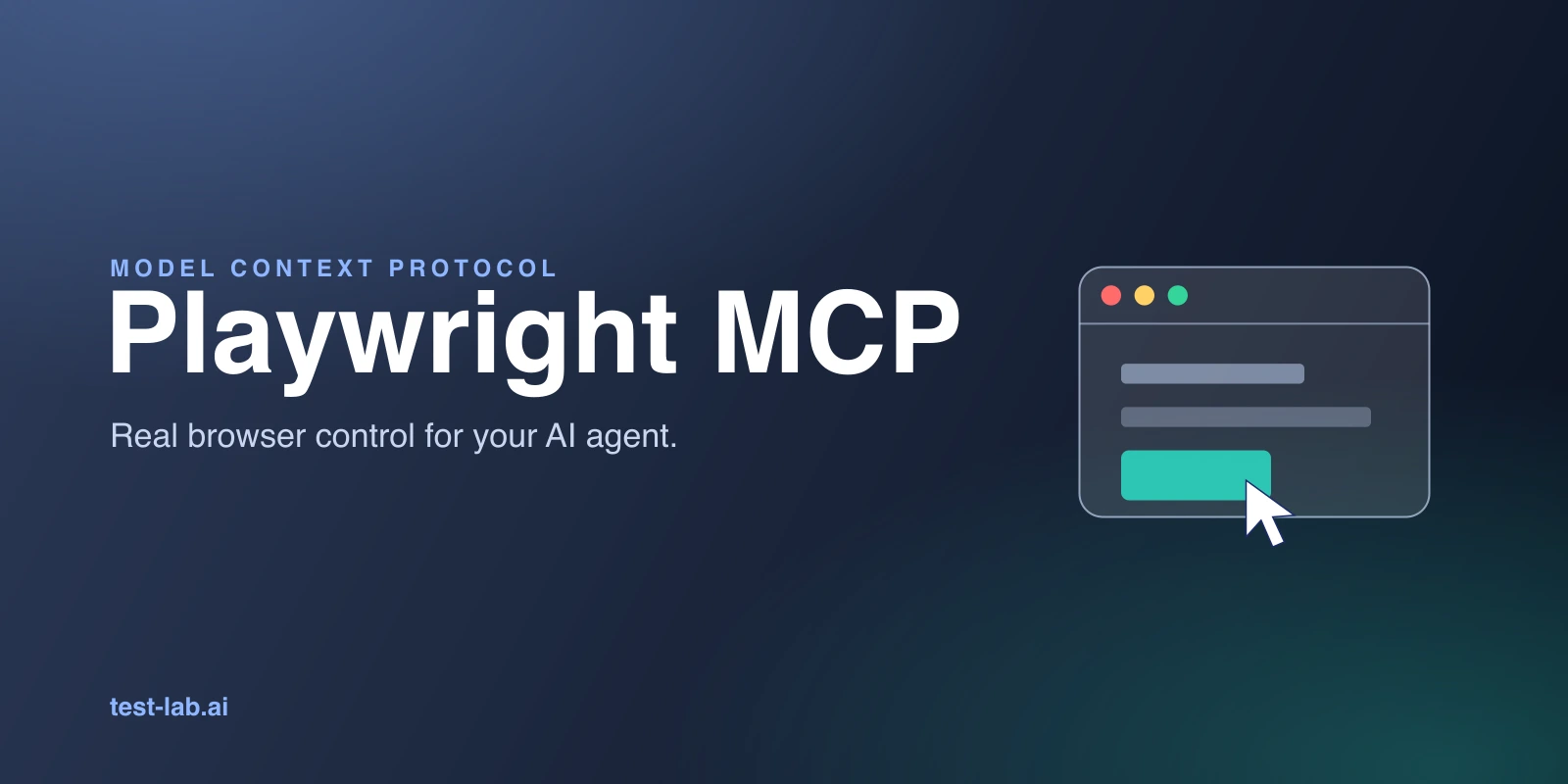
What Is Playwright MCP? A Practical Guide for AI Agent Browser Testing

What Is Playwright MCP? A Practical Guide for AI Agent Browser Testing

Playwright MCP lets AI agents drive a real browser through structured accessibility snapshots, no screenshots or scripts. Here is what it is, the tools it exposes, and when to use it.

PlaywrightMCPAI testingbrowser automationagentsaccessibility treeengineering
AI Testing Blog - Page 3 | Test-Lab.ai